The most common reasons people look for a Keepsafe alternative are the account and email it asks for, the tracking listed in its App Store privacy label, ads in the free version, and key features locked behind Premium. If those matter to you, apps like Private Vault, Vaultaire and Encamera encrypt on your device, need no account and list no tracking. If you mainly need cross-platform sync, Keepsafe may still be the right app.
Here's a fair look at what Keepsafe offers, why some people move on, and six alternatives.
What Keepsafe does well
Keepsafe deserves its reputation. Secret Photo Vault: Keepsafe, from KeepSafe Software, Inc, has around 386,000 ratings in the US App Store with an average of 4.7. According to its listing it offers:
- PIN and Touch ID protection;
- an in-app camera, albums and full-screen slideshows;
- Safe Send, for sharing pictures for a limited time;
- sync across your Keepsafe installations on any platform, Android included;
- with Premium, a Private Cloud of up to 10,000 items, album PINs, Space Saver and Trash Recovery.
If you move between an iPhone and an Android phone, or want the developer to store a cloud copy for you, few alternatives match that. Our Keepsafe comparison puts it side by side with Private Vault.
Why people look for an alternative
These are the verifiable differences, from Keepsafe's listing and help center. Whether they matter depends on you.
- It uses an account. Keepsafe's help center describes creating an account with your name and email, verifying the email, and then setting a PIN. The email is used to recover a forgotten PIN. That's convenient, but it also means your vault is tied to an identity, and access to that inbox matters. Our read on vaults without an account explains the trade-off.
- The privacy label lists tracking. Under "Data Used to Track You", Keepsafe lists usage data. It also lists usage data and advertising data collected for third-party advertising, not linked to you.
- The free version has ads. The listing says "Keepsafe Basic is ad supported", and ad-free use is a Premium feature.
- Much of the good stuff is Premium. Private Cloud, album lock, trash recovery and custom covers are Premium-only, sold as monthly or yearly subscriptions alongside other one-off Premium purchases.
- The encryption isn't specified. The listing says "military-grade encryption" but doesn't name the algorithm or how keys are handled.
None of this means Keepsafe is unsafe. It means it's built around an account and a cloud, and some people would rather have neither.

What you might miss after switching
Be honest with yourself about what Keepsafe gives you before you leave:
- Cross-platform sync. If you use Android as well, most iPhone-only vaults can't follow you there.
- A cloud run by the developer. Premium's Private Cloud holds up to 10,000 items without you managing any backup.
- Email recovery. Forget your PIN and the verified email gets you back in. Apps with no account can't offer that; you keep a recovery phrase or password yourself instead.
- Safe Send, for sharing pictures for a limited time.
If these are the reasons you use Keepsafe, an alternative may feel like a step back. If they're not, you may not miss them.
How we chose the alternatives
We compared each app on:
- encryption you can verify: is the algorithm named, and where does the key come from?
- account or no account;
- tracking, from the privacy label;
- what the free tier really includes;
- unlock options, such as Face ID, PIN, pattern and decoy codes;
- backup and recovery;
- price model.
Apple's free Hidden album is also worth a look first. Since iOS 16 it's locked by default with Face ID, Touch ID or your passcode, according to Apple's support page. If nobody else knows your passcode and you mostly want photos out of your camera roll, it may be all you need. See our Hidden album comparison.
Six Keepsafe alternatives
Private Vault
Our app, so read this with that in mind. Private Vault encrypts photos, videos, documents and notes with AES-256-GCM, using a key derived from a pattern you draw on a 5×5 grid. Nothing is stored that could be compared against your pattern. Any pattern can open its own vault, and there's no list of vaults.
Good for: Keepsafe users who want the opposite design: no account, no tracking, nothing on our servers. Intruder photos and encrypted backup are free; the emergency pattern and sharing are Pro.
Watch out for: no Face ID (pattern only), iOS 26 or later, iPhone and iPad only (no Android). Sending shares needs Pro. It's a new app with far fewer reviews than Keepsafe. Photos keep their EXIF metadata, including location. And there's no email reset: lose both your pattern and recovery phrase and the vault can't be opened.
Price model: free (3 vaults, 100 photos and 10 videos each); Pro monthly, yearly or lifetime.
Privacy label: Data Not Collected.
Vaultaire
Photo Vault - Vaultaire, from Wraxle LLC, says it uses AES-256-GCM, opens with a pattern and needs no account. It offers decoy vaults, a duress vault with Pro, and shared vaults. See our Vaultaire comparison.
Good for: encryption with no account, plus family plans.
Watch out for: encrypted iCloud backup is on by default, according to the listing. The free plan's limits (3 vaults, 100 photos, 10 videos) are in total.
Price model: Pro weekly, monthly, annual or lifetime; family plans.
Privacy label: no tracking; email address and support content linked to you; diagnostics not linked.
Encamera
Encamera Encrypted Photo Vault encrypts media you add or capture, needs no account or email, and says its code is open source. It offers Face ID and a PIN, a private camera and storage either on the device or in your own iCloud. See our Encamera comparison.
Good for: Keepsafe users who used its camera a lot and want Face ID without an account.
Watch out for: unlimited storage, unlimited albums and iCloud storage need Premium. The algorithm isn't named in the listing.
Price model: Premium weekly, monthly or yearly, or lifetime.
Privacy label: no tracking; usage data for analytics, not linked to you.
Private Photo Vault - Pic Safe
The other giant of the category, with around a million ratings. Its listing describes PIN, password and pattern locks, a decoy password, break-in reports with photo and GPS, and Cloud Vault, an encrypted cloud backup protected by a separate password the developer says it never stores. See Private Photo Vault vs Private Vault.
Good for: Keepsafe users who want a similarly mature app with a cloud backup they hold the password to.
Watch out for: Cloud Vault isn't in the free version, and the listing says the app contains ads.
Price model: Premium subscriptions and upgrade purchases.
Privacy label: usage data may be used to track you; purchases, user content, identifiers, usage data and diagnostics linked to you.
LockMyPix
LockMyPix Secret Photo Vault describes AES encryption in CTR mode, data kept on the device, Face ID, a fake vault, intruder selfies and a calculator-style disguise.
Good for: Face ID plus a decoy vault, without a cloud account.
Watch out for: the listing says it contains ads, and its tracking section lists identifiers.
Price model: Premium for 1, 6 or 12 months, or lifetime.
Privacy label: identifiers may be used to track you; purchases, identifiers, usage data and diagnostics collected, not linked to you.
Hide It Pro
Hide Photos Video - Hide it Pro is a simple hider with albums, cloud backup, USB export, a fake crash screen and an escape code that makes the app look empty.
Good for: a lighter app with a very short privacy label.
Watch out for: encryption isn't mentioned in the listing, and a password reset is a paid purchase.
Price model: free; one-off password reset; monthly cloud storage.
Privacy label: no tracking; crash and performance diagnostics only, not linked to you.
Moving your photos out of Keepsafe
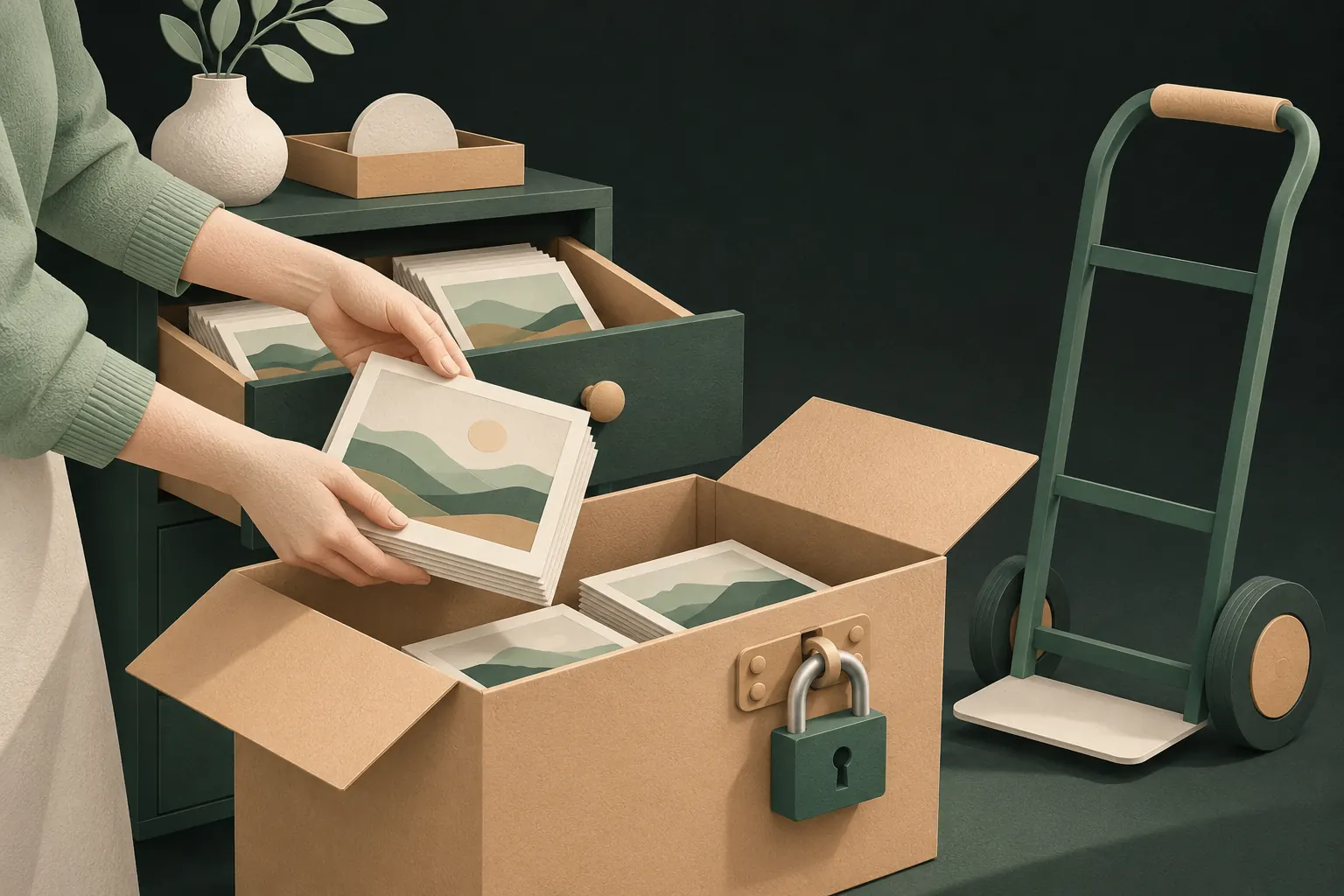
Don't uninstall Keepsafe first. Export everything to your photo library or Files, import into the new app, check the counts match, and only then delete the exported copies, your Keepsafe items and your Keepsafe account. Keepsafe notes that deleting the account doesn't cancel a Premium subscription, so cancel that separately in Settings. Our step-by-step guide to switching photo vault apps covers the details, including what to watch for with iCloud Photos.
Which one should you pick?
- No account, no tracking, documented encryption: Private Vault or Vaultaire.
- Face ID and a private camera, no account: Encamera.
- A big, established app with an encrypted cloud: Private Photo Vault.
- Face ID and a decoy vault in one app: LockMyPix.
- Simple and minimal: Hide It Pro.
- You need Android sync: staying with Keepsafe may honestly be the best answer.
For a wider view, see our best photo vault apps and best free photo vault apps.
Questions
Does Keepsafe need an account?
Keepsafe's help center describes creating an account with your name and email, verifying the email, then setting a PIN. The verified email is used to recover a forgotten PIN.
Is there a Keepsafe alternative without ads?
Yes. According to their listings, Private Vault, Vaultaire and Encamera have no ads. Keepsafe's own listing says Keepsafe Basic is ad-supported.
Can I move my photos from Keepsafe to another app?
Yes. Export them from Keepsafe to your photo library or Files, import them into the new vault, check the counts, then delete the copies and your Keepsafe data.
Is there a Keepsafe alternative that works on Android too?
Keepsafe's cross-platform sync is one of its strengths. Private Vault is iPhone and iPad only, so check each alternative's availability if you need Android.
Keep it private on your iPhone
No account. No analytics. Encrypted on your iPhone.