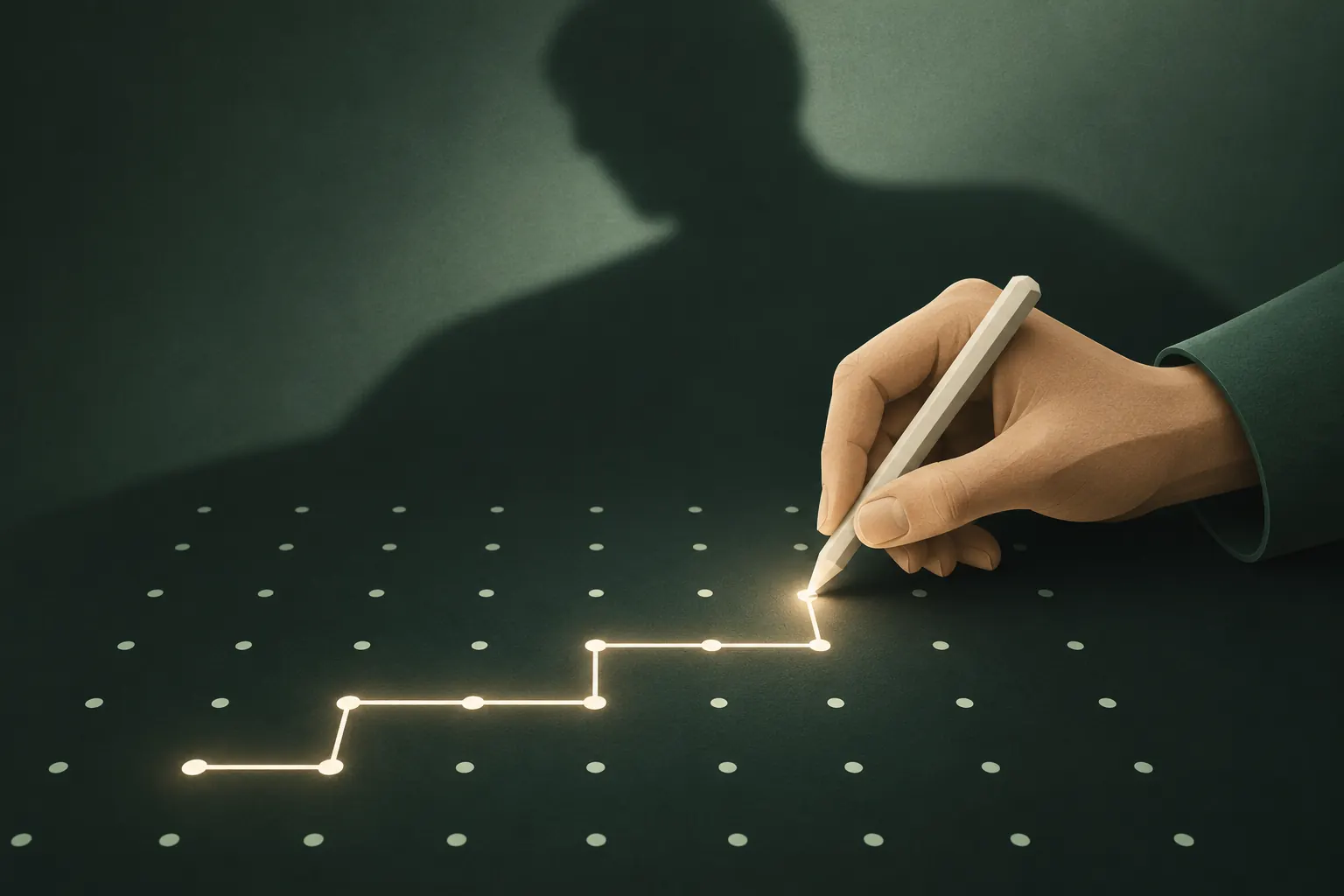
Plausible deniability means that, even with your device in hand, nobody can prove that more encrypted data exists than what you've chosen to show. Normal encryption hides what your files say, but not that they exist. Decoy and hidden vaults go further: a second password or pattern opens a believable, harmless space, and nothing on screen reveals that anything else is there.
It's a powerful idea with honest limits. Here's how it works, where it came from, and what it can't hide.
Encryption hides content, not existence
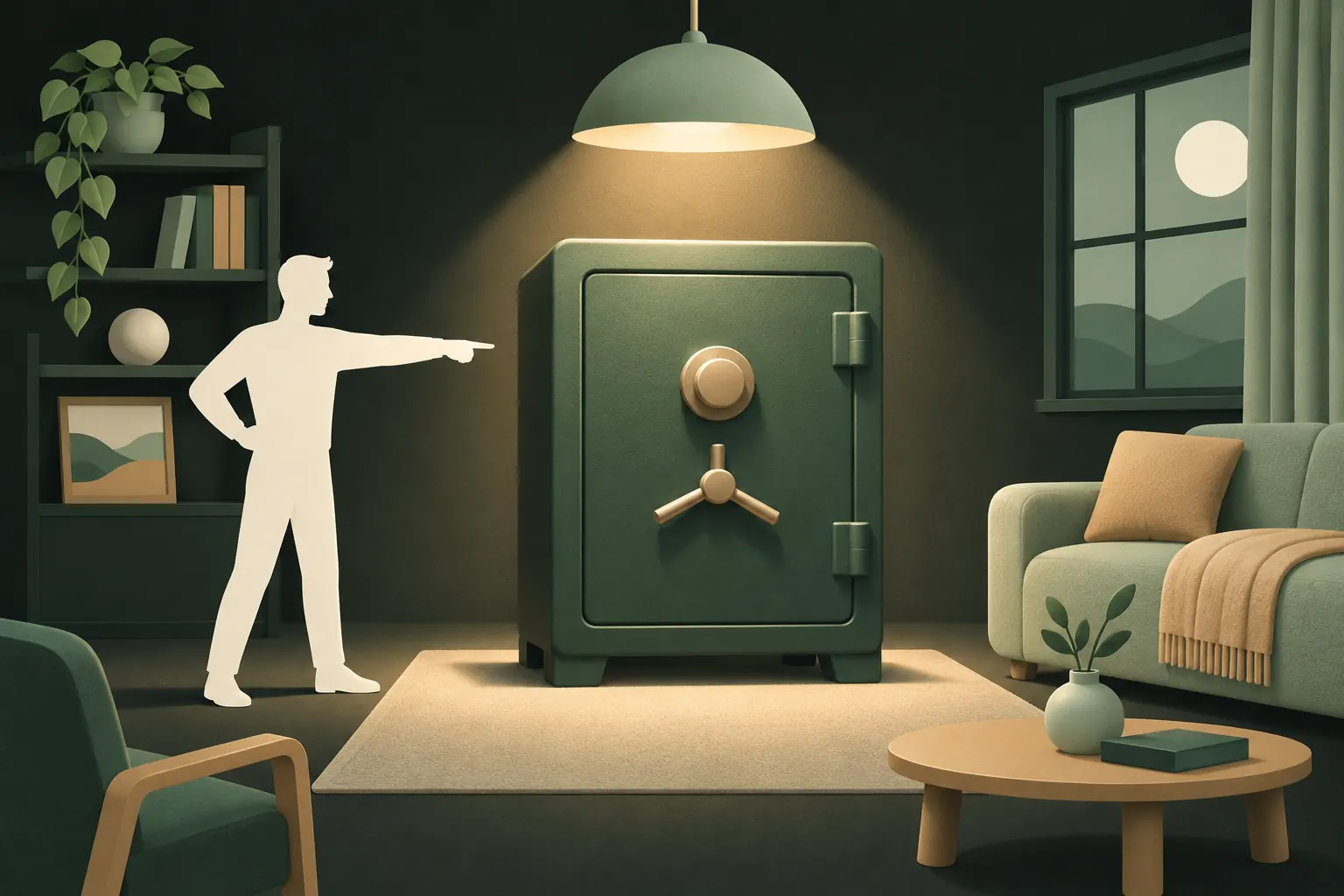
Picture a locked safe in someone's living room. You can't see what's inside, but you know there's a safe, and you know it holds something. If someone can pressure the owner, the lock stops mattering.
Most encrypted apps work like that safe. A vault app with one password and a "Wrong password" message tells anyone watching:
- There is a vault.
- It's locked with a specific secret.
- Whatever is inside, the owner wanted to protect it.
That's enough for someone to insist: "Open it." And once you've opened it, they've seen everything.
Plausible deniability aims to make "this is everything" a believable answer.
Hidden volumes, from VeraCrypt to phones
The idea is old in computer security. The best-known example is the hidden volume in disk-encryption tools like VeraCrypt.
A VeraCrypt hidden volume sits inside the free space of a normal encrypted volume. Free space in those volumes is filled with random data, and VeraCrypt's documentation says that no part of an unmounted hidden volume can be told apart from random data. Which volume opens depends on the password you type: one reveals the outer volume with decoy files, the other reveals the hidden one.
The rule that makes it work: unused space and hidden data must look identical. If they don't, an examiner can spot that something is there.
Phones bring the same idea into a simpler form. Instead of volumes, you have vaults; instead of passwords, perhaps a PIN or a pattern. The principles carry over:
- Different secrets open different spaces.
- There's no list of spaces.
- A secret that opens nothing shouldn't look different from one that opens something.
Decoy vaults vs "wrong password" screens
Many vault apps offer a decoy: a second PIN that opens a fake vault. How believable that decoy is depends on everything around it.
A "wrong password" screen undermines it. If wrong codes are rejected, then the codes that work are special. Someone who knows the app supports decoys may simply keep pushing until you've shown every vault that "works".
A visible list undermines it. If the app shows vault names, counts or a vault switcher, the existence of other vaults is right there.
Settings undermine it. A screen that says "Decoy mode: on" tells the story by itself.
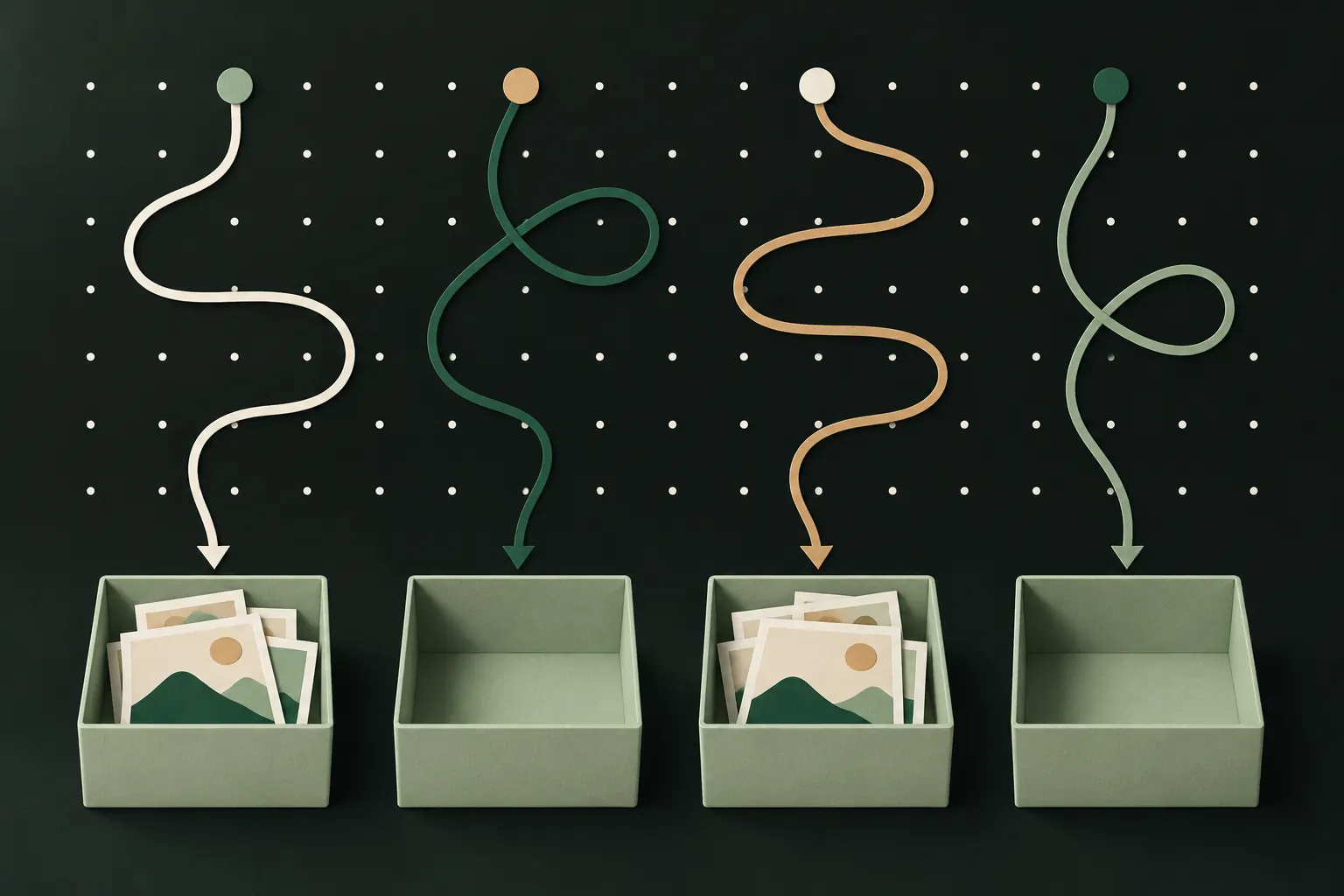
A better design makes every secret behave the same way. Every code opens a vault. Some are full, most are empty, and from the outside you can't tell them apart.
How Private Vault does it: any pattern opens a vault
That last approach is the one we chose.
What that means in practice:
- An onlooker sees every pattern work. They can't tell your real vaults from patterns you just made up.
- There's no vault picker, no count and no "decoy" setting to give anything away.
- Each vault has its own master key and recovery phrase, so opening one tells nothing about the others. More on hidden vaults.
- If you'd rather see "Wrong pattern" (for example, to take intruder photos), you can switch modes in App settings. That trades away some deniability, and it's your choice to make.
For the moment someone insists on a specific vault, the emergency pattern (Pro) adds a step further: drawing it opens a harmless vault and removes the others from the device. That's a duress feature, with its own trade-offs; we explain them in duress passwords explained.
What a forensic copy can still show
Plausible deniability protects you against someone using the app's screens. A forensic examiner with a full copy of the phone's storage is a different adversary, and it's important to be honest about what they can see.
- That the app is installed. An alternate icon or a hidden app doesn't hide that from a forensic tool.
- That the app holds encrypted data, and roughly how much. Files have sizes and counts, even if they're unreadable.
- An estimate of how many vaults exist, based on the encrypted files present. In Private Vault, that's an honest limit: an examiner can see that the app holds several encrypted files and estimate their number.
- Traces of deletion, if vaults were removed recently.
What they can't do without the pattern or recovery phrase: open a vault, read a file name, or match a vault to a pattern. Our security model spells out the rest, including what a 5×5 pattern can and can't withstand.
So the deniability you get on a phone is mostly against people, not labs: a partner, a thief, someone at a checkpoint looking at the screen. Against a full forensic analysis, assume they can tell how much encrypted data exists, even if they can't read it.
Making a decoy believable
A decoy only works if it looks like a vault you'd actually use.
- Fill it with real, ordinary content: screenshots of tickets, photos of documents you don't mind showing, a few personal but harmless pictures.
- Keep it alive. Add something now and then, so the newest item isn't from a year ago.
- Match the story to the size. A decoy with 12 photos and a phone with gigabytes of encrypted data don't fit together well under close inspection.
- Make the decoy pattern easy to recall under stress, and the real one something you'll never draw by accident.
- Don't keep the real content elsewhere on the phone. A decoy vault is pointless if the same photos sit in your camera roll.
- Don't over-explain. "That's my vault" is more believable than a story about why there's only one.
When you don't need it
Plausible deniability solves a specific problem: someone who can pressure you, and who'd look for more. Many people never face that.
You probably don't need it if:
- You just want photos out of sight when friends scroll your library. The Hidden album or a single vault is enough.
- Your worry is a lost or stolen phone. Strong encryption and a good lock already protect you, because a thief can't make you unlock.
- Your concern is the cloud. Encryption before upload matters more than deniability there.
It's worth having if:
- Someone in your life checks your phone and wouldn't accept "no".
- You travel through places where devices get inspected.
- You'd be at risk if anyone learned that certain files exist, not just what they contain.
Whatever you choose, a good vault lets you change your mind later. Deniability works best as a quiet default that costs you nothing day to day, and helps only on the day you need it.
Questions
What is a decoy vault?
A vault filled with harmless content that you can open when pressured, while your real vault stays hidden and encrypted behind a different password or pattern.
Can someone tell how many vaults I have?
Not from the app's screens in a well-designed vault: there's no list to look at. A forensic copy of the phone may show how much encrypted data exists, but not which pattern opens what.
Is plausible deniability legal?
Using encryption and keeping several vaults is legal in most places. Lying to officials or destroying data during an investigation may not be. Laws vary by country, so check yours if it matters.
Doesn't an empty vault look suspicious?
It can. Fill your decoy with real, everyday photos and use it now and then, so it looks like a vault someone actually uses.
Keep it private on your iPhone
No account. No analytics. Encrypted on your iPhone.