It depends on what kind of vault it is. If the app really encrypts your files with a key made from your password or pattern, nobody can reset it for you, and the only way back in is the recovery option you set up at the start. If the app can reset your password by email or a security question, it can get in, but that also means it was never locked to you alone.
Here's how to work out which situation you're in, what you can still try, and how to set things up so it never happens again.
First: which kind of vault is it?
"Photo vault" covers very different things, and the answer to a forgotten password depends on which one you have.
- The Hidden album in Photos. This isn't a separate password at all. It opens with Face ID, Touch ID or your iPhone passcode. If Face ID fails, use your passcode. If you've forgotten the iPhone passcode itself, Apple's route is to erase and restore the iPhone, which Apple describes in its guide to resetting a forgotten iPhone passcode.
- A locked note or a locked Photos app. Same story: these use your device passcode or your Notes password, not a vault-specific secret.
- A third-party vault app with a PIN screen. Some only hide files behind a code check, while the files themselves sit inside the app unencrypted. These often offer an email or security-question reset.
- A third-party vault with real encryption. Your password, PIN or pattern is turned into the encryption key. Nothing is stored to compare against, so there is nothing to reset.
If you're not sure which you have, look in the app's settings or help pages for words like "recovery phrase", "recovery key" or "reset by email". That tells you a lot.
Why real encryption has no reset button
A reset button needs something to reset. In a plain lock screen, the app stores your code (or a hash of it) and compares what you type against it. Change the stored value and you have a "new password". That's easy for support to do, and just as easy for anyone who gets hold of the reset process.
With real encryption, the password isn't checked. It's used. A slow mathematical function stretches it into a key, and that key decrypts the files. A wrong password doesn't trigger "access denied"; it produces a different key that simply can't decrypt anything.
So when an encrypted vault says it can't recover your password, that isn't bad customer service. It's the reason the encryption means anything. If the developer could open your vault for you, they could open it for someone else too, whether that's an attacker who fooled the reset system or anyone with legal power to ask.
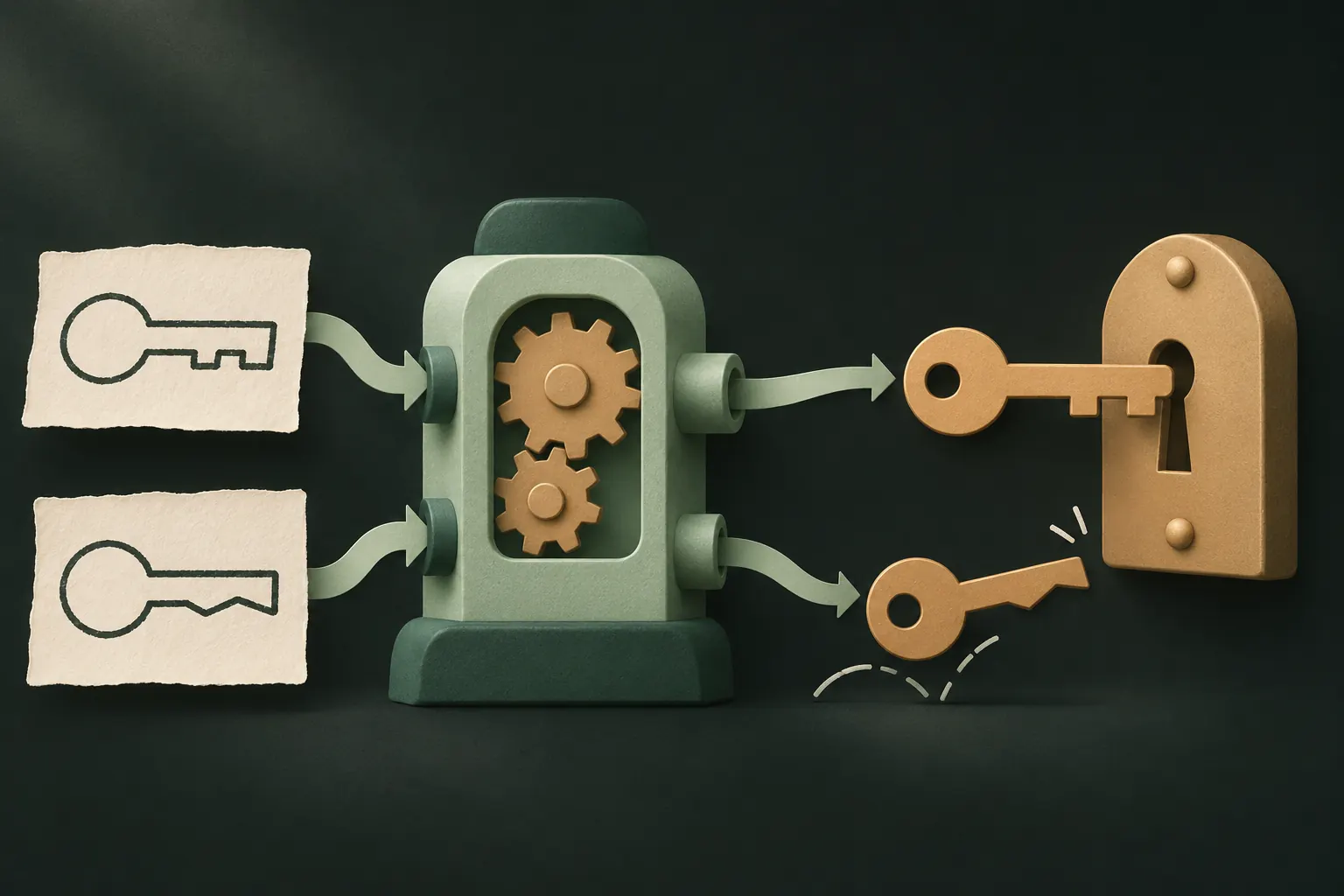
The recovery options apps offer, and what each one tells you
Most vault apps offer one of these. Each has a different cost.
Email reset
You request a reset and get a link or code by email. Convenient, and familiar from every other account you have.
What it reveals: the app (or its servers) can unlock your vault without your password. Your vault is only as safe as your email account, and you've given the developer an email address tied to your private files.
Security question
"What was your first pet's name?" Answers like these are often guessable or findable, especially by people who know you, which is exactly who many people are hiding photos from.
What it reveals: the files are probably not encrypted with a key only you hold.
Recovery phrase or recovery key
A long random code or list of words shown once, when you set up the vault. It works as a second key. If you forget your password, the phrase opens the vault instead.
What it reveals: the app has designed itself so that only you can get back in. The catch is that it's on you to keep the phrase safe. Lose both the password and the phrase, and the files are gone.
In Private Vault: the recovery phrase
Private Vault is in the last group. Your pattern is the encryption key: it's drawn on a 5×5 grid, stretched into a key on your iPhone and never stored. That's why there is no "reset pattern" email, and why we can't help you get in.
A few things worth knowing:
- An empty vault doesn't mean your files are gone. By default, a pattern Private Vault doesn't recognize opens a new, empty vault. If you draw a shape and see nothing inside, you most likely drew a different pattern. Your real vault is still there.
- Each vault has its own phrase. If you have several vaults, a phrase only opens the vault it belongs to.
- Lost the phrase but still know the pattern? Open the vault and create a new phrase in Vault settings → Recovery phrase. The old one stops working.
- Never send your phrase to anyone, including us. We'll never ask for it. Our support page covers the common cases without it.
For a deeper look at why phrases are built the way they are, see recovery phrases explained.

Lost both? What is and isn't possible
This is the hard part, and it's better to hear it plainly.
If a vault really encrypts your files, and you've lost both the password (or pattern) and the recovery phrase, nobody can open it: not you, not the developer, not a data recovery shop. Anyone offering to "crack" a modern encrypted vault for a fee is very likely a scam.
What you can still do:
- Try the patterns or passwords you might have used. People often reuse a shape or a code from another app or an old phone. Go slowly. Some apps make you wait longer after repeated wrong attempts.
- Look for the phrase where you might have saved it. A notebook, a password manager, a note on a computer, a photo you once took of the setup screen (and should now delete from your library once you've found it).
- Check whether the files exist elsewhere. Did the photos come from your library? Check Recently Deleted in Photos: deleted items stay there for 30 days. Were they sent to you in a chat? They may still be in that conversation.
- For apps with email or question resets, go through the app's own reset flow, or contact the developer. If they can let you in, they will tell you how.
What doesn't work:
- Reinstalling the app. In most vault apps, deleting the app deletes the vault stored inside it. You don't get a fresh lock on the old files; you get an empty app. Read what happens when you delete a vault app before trying it.
- Restoring an iPhone backup. Encrypted vault files are often excluded from device backups on purpose, and even when they're included, they're still encrypted with the key you've forgotten.
Set it up so this never happens
Five minutes now saves you from the one situation encryption can't fix.
- Save the recovery phrase the moment you see it. Write it on paper or put it in a password manager. Don't screenshot it: a screenshot lands in your photo library, which is the opposite of private.
- Keep it away from the phone. A phrase stored only on the phone that holds the vault doesn't help when the phone is lost or broken.
- Test it once. Right after setup, try the recovery flow, or at least check you can read what you wrote down.
- Use one pattern or password per vault that you'll remember. Something with meaning to you, not the first shape that comes to mind and gets forgotten in a week.
- Turn on an encrypted backup if you want one. A backup doesn't replace the phrase (you still need the phrase to restore it), but it protects you from a lost or broken phone.
- Know your app's recovery model before you rely on it. If it offers email resets, accept that trade knowingly. Our comparison of calculator vault apps shows what to look for.
Questions
Can support reset my vault password?
Only if the app holds a way in. With a vault that is really encrypted with a key only you have, support has nothing to reset, and an honest developer will tell you so.
Is email password recovery a red flag?
It's a trade-off worth knowing about. If a reset email can open your vault, then whoever controls that inbox, or the developer's reset system, can open it too.
Where should I keep my recovery phrase?
Somewhere that isn't the phone itself: on paper in a place you'd keep a passport, or in a password manager you trust. Never in a photo in your library.
Will reinstalling the app reset the password?
No. In most vault apps, deleting the app deletes the vault on the device. Reinstalling gives you an empty app, not a reset lock.
Keep it private on your iPhone
No account. No analytics. Encrypted on your iPhone.