
Not by default. iCloud Photos is encrypted on the way to Apple and on Apple’s servers, but under standard data protection Apple holds the keys. It becomes end-to-end encrypted, with keys only on your devices, when you turn on Advanced Data Protection. Shared Albums stay outside it even then.
Here’s what each mode means in practice, how to turn on Advanced Data Protection, and what you give up.
Standard Data Protection: encrypted, but Apple has the keys
“Encrypted” and “end-to-end encrypted” sound alike but answer different questions.
- Encrypted means your photos aren’t stored as plain files. Someone who steals a disk from a data center sees noise.
- End-to-end encrypted means only your devices have the keys. The company storing the data can’t decrypt it, even if it wants to or is asked to.
Most iCloud accounts use standard data protection. Apple’s iCloud data security overview lists Photos as encrypted in transit and on the server, with the keys held by Apple. That design lets Apple help if you forget your password or lose all your devices. It also means that Apple can technically decrypt your photo library, and can be required by law to provide it.
Some categories are end-to-end encrypted even in standard mode, like Passwords and Keychain, Health data and Messages in iCloud. Photos isn’t one of them. For the general idea, see end-to-end encryption explained.
Advanced Data Protection: what changes
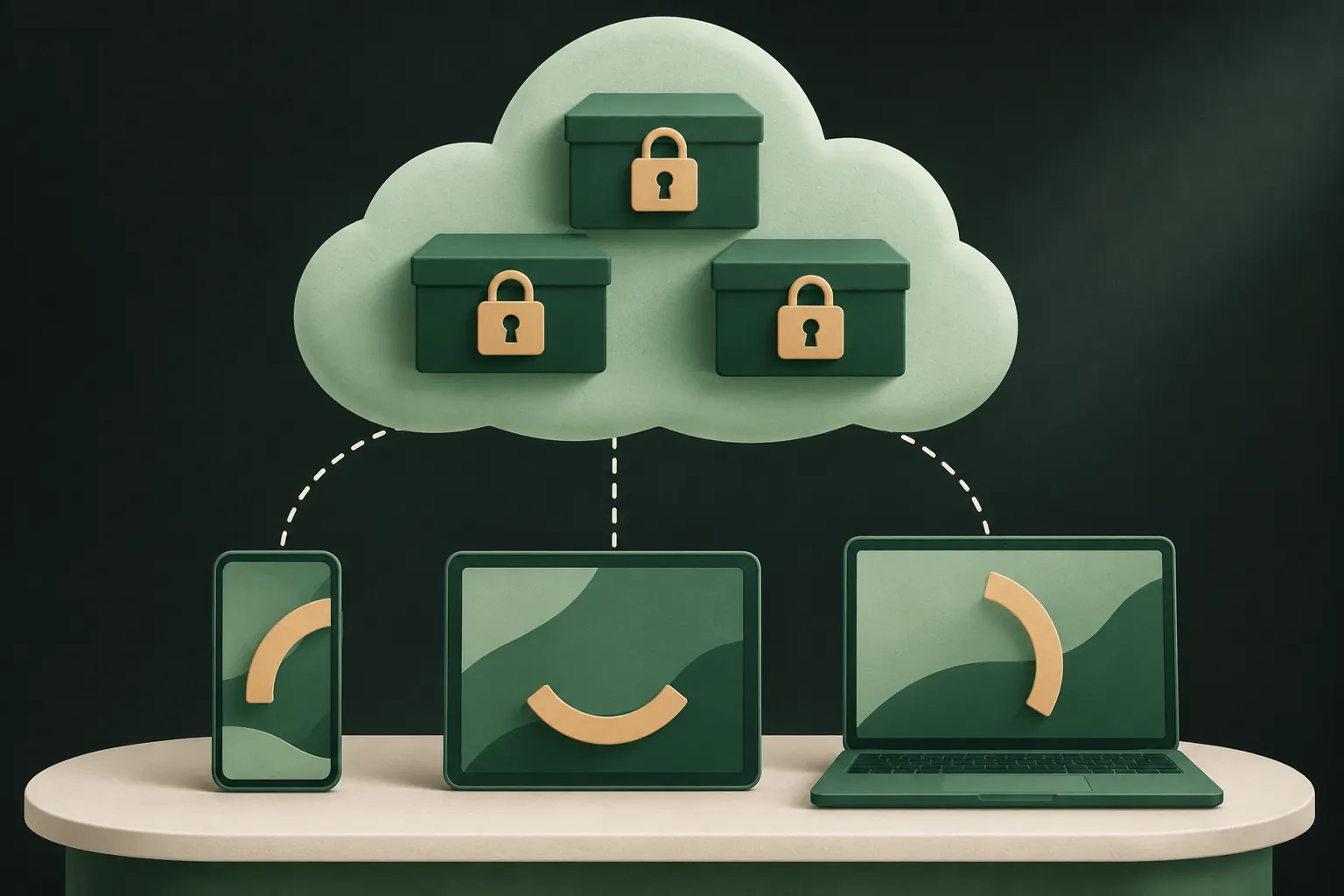
Advanced Data Protection (ADP) is an optional setting that extends end-to-end encryption to most of iCloud. With ADP on, Photos, iCloud Backup, iCloud Drive, Notes and several other categories are encrypted with keys only your trusted devices hold.
What that changes:
- Apple can no longer decrypt your photo library or your iCloud Backup.
- Apple can no longer help you recover that data if you lose access. That job is yours.
- Web access at iCloud.com is off by default. You can allow it, and then your device temporarily shares keys with the browser session.
What it doesn’t change:
- Anyone who unlocks one of your devices still sees everything on it.
- Some metadata, like dates and checksums, stays under standard protection.
- Data you share with others follows separate rules (next section).
How to turn on ADP
Requirements, from Apple’s Advanced Data Protection guide:
- an Apple Account with two-factor authentication;
- a passcode or password on your devices;
- all devices signed in to the account updated to a supported version (iOS 16.2 or later on iPhone);
- at least one recovery method: a recovery contact or a recovery key.
Steps on iPhone:
- Open Settings, tap your name, then iCloud.
- Scroll down and tap Advanced Data Protection.
- Tap Turn on Advanced Data Protection.
- Follow the steps to set up a recovery contact or recovery key if you don’t have one.
Turning it on from one device turns it on for the whole account. Managed Apple Accounts and child accounts can’t use it.
Not available everywhere. In 2025 Apple stopped offering ADP to new users in the United Kingdom and said existing UK users would need to turn it off. If you live there, the setting may be missing; Apple’s UK notice has the details.
Should you turn it on?
For most people who care about privacy, yes, if it’s available to you and you can keep a recovery method safe. A few honest considerations:
- You become your own support desk. If you forget your passcode on every device and lose the recovery key and contact, nobody can bring your photos back. Pick a recovery contact you trust and keep the key on paper, not only in a photo.
- Older devices may block it. Every device signed in to your account has to run a supported version. An old iPad you still use can stop you from turning it on until you update it or sign it out.
- iCloud.com becomes less convenient. You approve web sessions from a trusted device.
- It doesn’t help against people with your passcode. ADP protects data on Apple’s servers. On your unlocked phone, everything is still there.
If any of these is a deal-breaker, the next best thing is to keep your most sensitive photos out of iCloud Photos, or encrypt them before upload, as described at the end of this page.
What stays outside ADP
Even with ADP on, some photo-related data is not end-to-end encrypted:
- Shared Albums. Apple says they don’t support ADP, because the keys to shared content are uploaded to Apple so it can share them.
- Anything shared via “anyone with the link”, such as iCloud links to photos.
- iCloud.com sessions you approve, for as long as the session lasts.
If you rely on sharing, check Apple’s current list before assuming a shared photo is end-to-end encrypted. The safe rule: once a photo is shared, its protection depends on the sharing feature, not on your account setting.

What it means for hidden photos
Hidden photos are part of your iCloud Photos library, so they get exactly the same protection as everything else:
- Standard protection: encrypted, with Apple holding the keys. The Hidden album lock on your devices doesn’t add any server-side protection.
- ADP on: end-to-end encrypted, like the rest of your library.
If you turned off iCloud Photos, your photos may be in iCloud Backup instead, which also follows the same rule: Apple-held keys by default, end-to-end with ADP. Are hidden photos saved to iCloud? explains where they end up.
Encrypting before upload as an alternative
ADP is the simplest way to stop Apple from reading your photos, and if you can turn it on and manage a recovery key, it’s a good choice for your whole account.
It isn’t the only way, though. Another approach is to encrypt specific files on the iPhone before they go to iCloud at all, with a key iCloud never sees. Apple then stores something it can’t read, whatever your account settings are. That works even where ADP isn’t available, and it keeps those files private even if someone gets into your Apple Account.
The trade-off is the same as with ADP, only per app: if you lose the key, nobody can give the files back.
Either way, the key question to ask about any cloud service is the same: who holds the keys? If the answer is “only my devices”, the provider can’t read it. Our security model describes the answer for Private Vault in detail.
Questions
Can Apple see my iCloud photos?
With standard data protection, Apple holds the encryption keys, so it technically can and can be asked to hand data over. With Advanced Data Protection on, it can’t.
Are hidden photos encrypted in iCloud?
They get the same protection as the rest of your library: encrypted with Apple-held keys under standard protection, end-to-end encrypted with Advanced Data Protection.
What happens if I lose my ADP recovery key?
If you also lose access to your trusted devices and have no recovery contact, Apple can’t help you recover the end-to-end encrypted data.
Are Shared Albums end-to-end encrypted?
No. Apple says Shared Albums don’t support Advanced Data Protection and stay under standard protection.
Keep it private on your iPhone
No account. No analytics. Encrypted on your iPhone.