Yes. If iCloud Photos is on, hidden photos are uploaded and synced like the rest of your library, and they appear in the Hidden album on every device signed in to your Apple Account, including your Mac and iCloud.com. If iCloud Photos is off, they can still end up in iCloud through iCloud Backup.
Hiding changes where a photo is shown, not where it’s stored. Here is exactly what syncs, where it shows up, and how to keep specific photos off iCloud.
Yes, if iCloud Photos is on
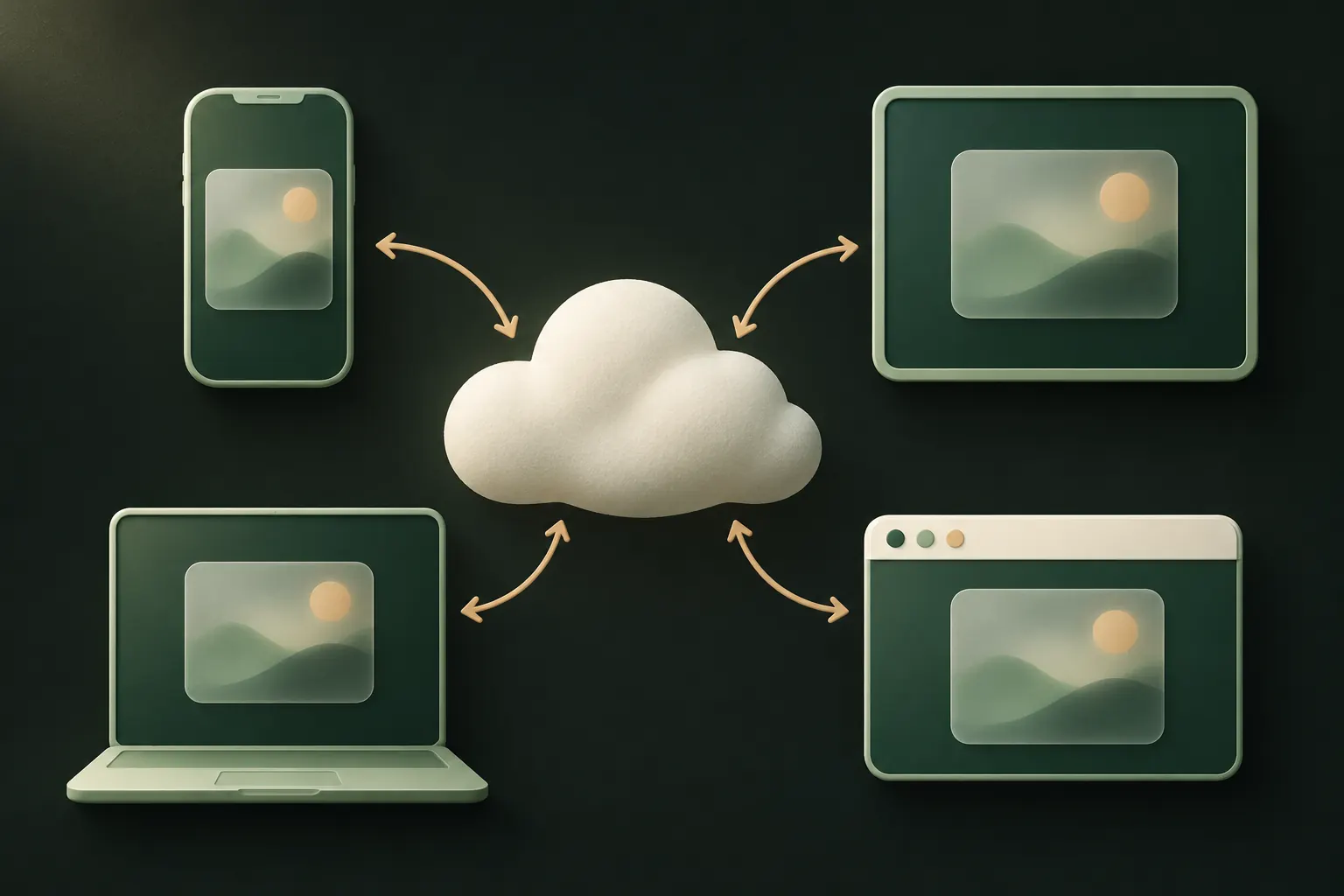
iCloud Photos keeps one library across all your devices. Hidden photos are part of that library, with a “hidden” flag. Apple says it plainly in its Hidden album guide: photos you hide on one device are hidden on your other devices too.
That means a hidden photo:
- is uploaded to iCloud in full,
- counts toward your iCloud storage,
- downloads to your other devices (or a preview of it, with Optimize Storage on),
- stays hidden there, behind each device’s own lock.
How well it’s protected in iCloud depends on your account settings, not on hiding. With standard data protection, Apple holds the keys to your photo library. With Advanced Data Protection, Photos is end-to-end encrypted. See whether iCloud Photos is end-to-end encrypted.
Where they appear: iPad, Mac, iCloud.com
iPad. Same as iPhone: Collections → Utilities → Hidden, unlocked with the iPad’s Face ID, Touch ID or passcode. Whoever knows the iPad’s passcode can open it.
Mac. In Photos, the Hidden album is off in the sidebar by default. Choose View → Show Hidden Photo Album, select Hidden and click View Album, then unlock with Touch ID or the Mac’s login password. On a shared family Mac signed in to your Apple Account, anyone with that login can get to it.
iCloud.com. Sign in at iCloud.com, open Photos and select Hidden in the sidebar; Apple’s iCloud guide describes it. If you use Advanced Data Protection, web access to your data is off unless you approve it from a trusted device.
Windows. With iCloud for Windows set to download your photos, your library syncs to the PC too. Check what that app downloads before installing it on a shared computer.
With iCloud Photos off: iPhone backups
Turning off iCloud Photos stops the sync, but not necessarily the upload. Apple’s iCloud Backup overview says that when iCloud Photos is off, iCloud Backup may include the photos and videos on your iPhone, hidden ones included.
So with iCloud Photos off and iCloud Backup on, your hidden photos are still in iCloud, inside the backup. Under standard data protection Apple holds the keys to iCloud Backup as well; with Advanced Data Protection it’s end-to-end encrypted.
Computer backups made with Finder or iTunes include the photo library too. If you choose Encrypt local backup, the backup is protected with a password you set.
Moving to a new iPhone
Hidden photos come along in every normal way of moving to a new iPhone:
- iCloud Photos on: the library, Hidden album included, downloads to the new phone after you sign in.
- Restoring from iCloud Backup or a computer backup: the photos and their hidden status come back with the backup.
- Quick Start (phone to phone): your data, photos included, is transferred.
They stay hidden on the new phone. The new phone’s passcode opens the Hidden album, so set a passcode you haven’t shared.
Keeping specific photos off iCloud entirely
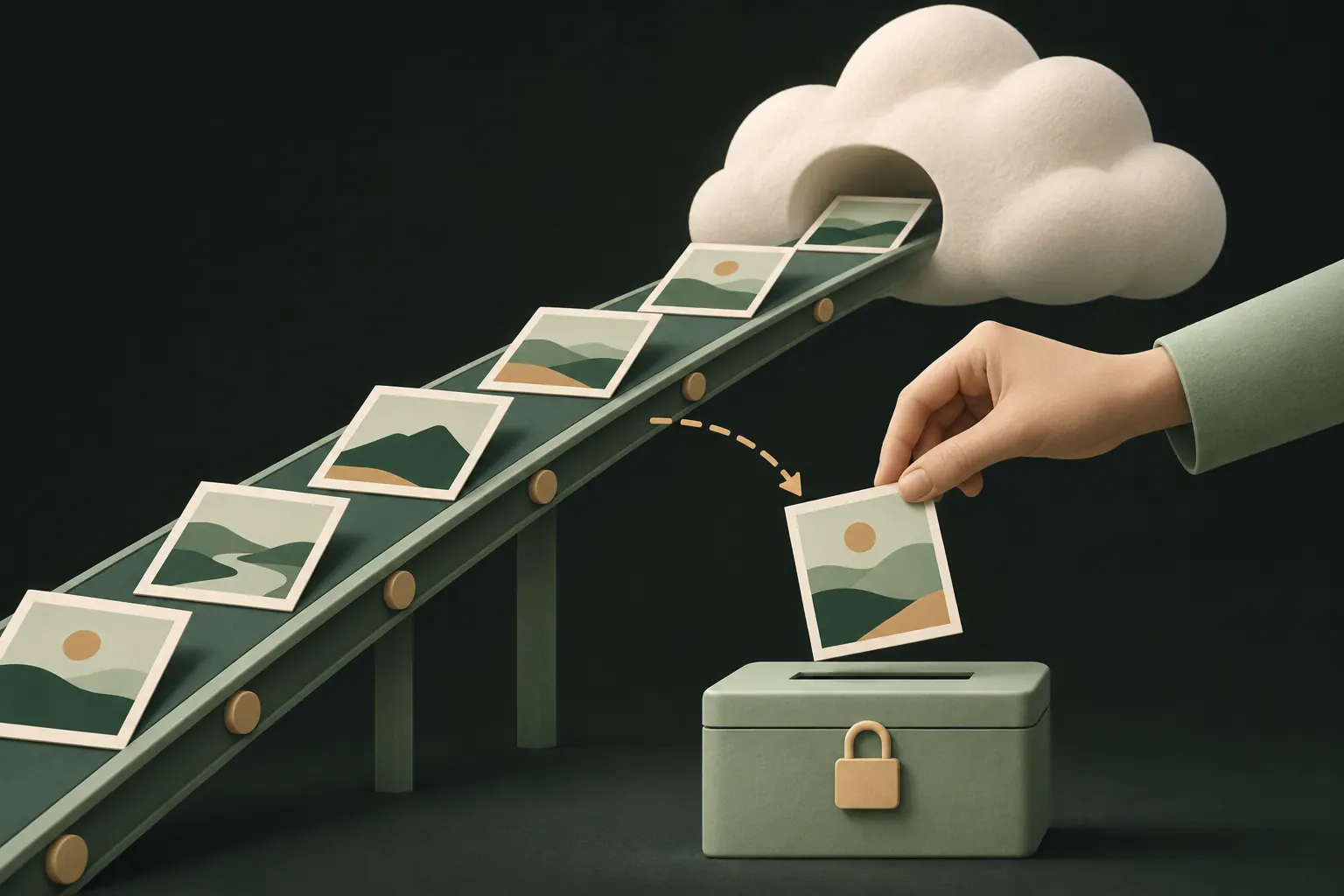
There is no switch to keep only the Hidden album out of iCloud Photos. Your options:
- Turn off iCloud Photos on the iPhone, in Settings → [your name] → iCloud → Photos. This affects your whole library. Then decide what to do about iCloud Backup, which may include the library instead. Our guide on stopping iCloud Photos syncing to other devices covers the choices.
- Move the photos out of your library into an app that stores them separately, and delete them from Photos. They then leave iCloud Photos once Recently Deleted is emptied.
- Shoot directly into such an app in future, so the photos never enter your library at all.
Option 2 and 3 only help if the app itself doesn’t quietly upload your photos somewhere less private.
The trade-off is real: a vault you never back up is gone if you lose the phone. Back up the vaults you can’t afford to lose, and write down their recovery phrases.
Hiding or keeping it off iCloud: which do you need?
It helps to be honest about who you’re worried about.
- Someone scrolling your camera roll, or Memories showing the wrong photo at the wrong time: hiding is enough. iCloud doesn’t matter here.
- Someone using one of your other devices, like a shared iPad or family Mac: hiding isn’t enough, because the photo is there too. Sign out of devices you don’t use alone, or keep the photo out of your library.
- Someone who might get into your Apple Account, or Apple itself: hiding does nothing. Turn on Advanced Data Protection, or keep the photo out of iCloud Photos and iCloud Backup.
- Someone who knows your passcode: hiding doesn’t help on any device. You need a different secret.
Most people fall into the first group, and for them the Hidden album is fine. If you’re in one of the others, the steps above matter more than the album.
Hidden photos disappeared? Common causes
If you can’t find your hidden photos, check these in order:
- The Hidden album is turned off. Go to Settings → Apps → Photos and turn on Show Hidden Album. Without it, the album doesn’t show in Photos at all.
- You’re looking in the old place. In current versions of Photos, the Hidden album is under Collections, in the Utilities section near the bottom.
- iCloud Photos is still downloading. On a new or restored phone, the library can take hours to sync. Check progress at the bottom of the Library view.
- You’re signed in to a different Apple Account, or iCloud Photos is off on this device. Hidden photos from your other account won’t be here.
- They were deleted. Look in Recently Deleted, also under Utilities. Items stay there for up to 30 days.
- They were in a Shared Library and another participant removed them.
If the photos aren’t in Hidden or Recently Deleted on any device, and you have a backup from before they vanished, restoring that backup is the remaining option. Our Hidden album comparison and who can see your hidden photos explain what the album protects in the first place.
Questions
Can someone on my Mac see my hidden iPhone photos?
If the Mac uses the same Apple Account with iCloud Photos on, yes: they can show the Hidden album from the View menu and unlock it with Touch ID or the Mac’s login password.
Do hidden photos count toward iCloud storage?
Yes. With iCloud Photos on, hidden photos are part of your library and use iCloud storage like any other photo.
Can I hide photos on iPhone but not on iPad?
Not with iCloud Photos on. Hiding syncs, so a photo hidden on one device is hidden on all of them, and it’s present on all of them.
Why did my hidden photos disappear?
Usually the Hidden album is turned off in Settings → Apps → Photos, or you’re looking in the wrong place after an update. Check Collections → Utilities, and Recently Deleted.
Keep it private on your iPhone
No account. No analytics. Encrypted on your iPhone.