Anyone who knows your iPhone passcode can open your Hidden album. So can anyone signed in to your Apple Account on another device, and, unless you use Advanced Data Protection, Apple holds the keys to the iCloud copy. Hiding a photo keeps it out of sight while you scroll; it doesn’t create a second lock.
Below is every route to your hidden photos we know of, from the most common to the least, with a fix for each one.
The short answer
The Hidden album is an album with a lock screen in front of it. That lock is Face ID, Touch ID or your device passcode, the same keys that open the rest of your iPhone. It’s been locked by default since iOS 16, which stops a casual scroll on an unlocked phone. It does not stop:
- someone who knows your passcode, or can make you unlock;
- anyone using another device signed in to your Apple Account with iCloud Photos on;
- Apple, if iCloud Photos is on and Advanced Data Protection is off;
- apps you gave full access to your photo library;
- people in an iCloud Shared Photo Library, for photos that live in the shared part.
Each of these is fixable, but some fixes cost convenience. Here is what each one means.
Anyone with your passcode
This is the gap that matters most in real life. Partners, kids, parents and housemates often know the passcode, or watched you type it once.
When Face ID fails, or someone taps “Enter Passcode”, iOS falls back to the passcode. Whoever types it gets everything Face ID would have given them: the Hidden album, the Recently Deleted album, locked apps, and the Hidden folder in the App Library. There is no setting that gives the Hidden album its own password.
How to close it:
- Change your passcode if you think someone else knows it: Settings → Face ID & Passcode → Change Passcode. Choose a custom alphanumeric code if you want it harder to shoulder-surf.
- Turn off Show Hidden Album in Settings → Apps → Photos, so the album isn’t sitting in Collections inviting a look.
- For photos that must stay private from someone who knows your passcode, move them somewhere with a different secret. More on that at the end.
Your other devices signed into iCloud Photos
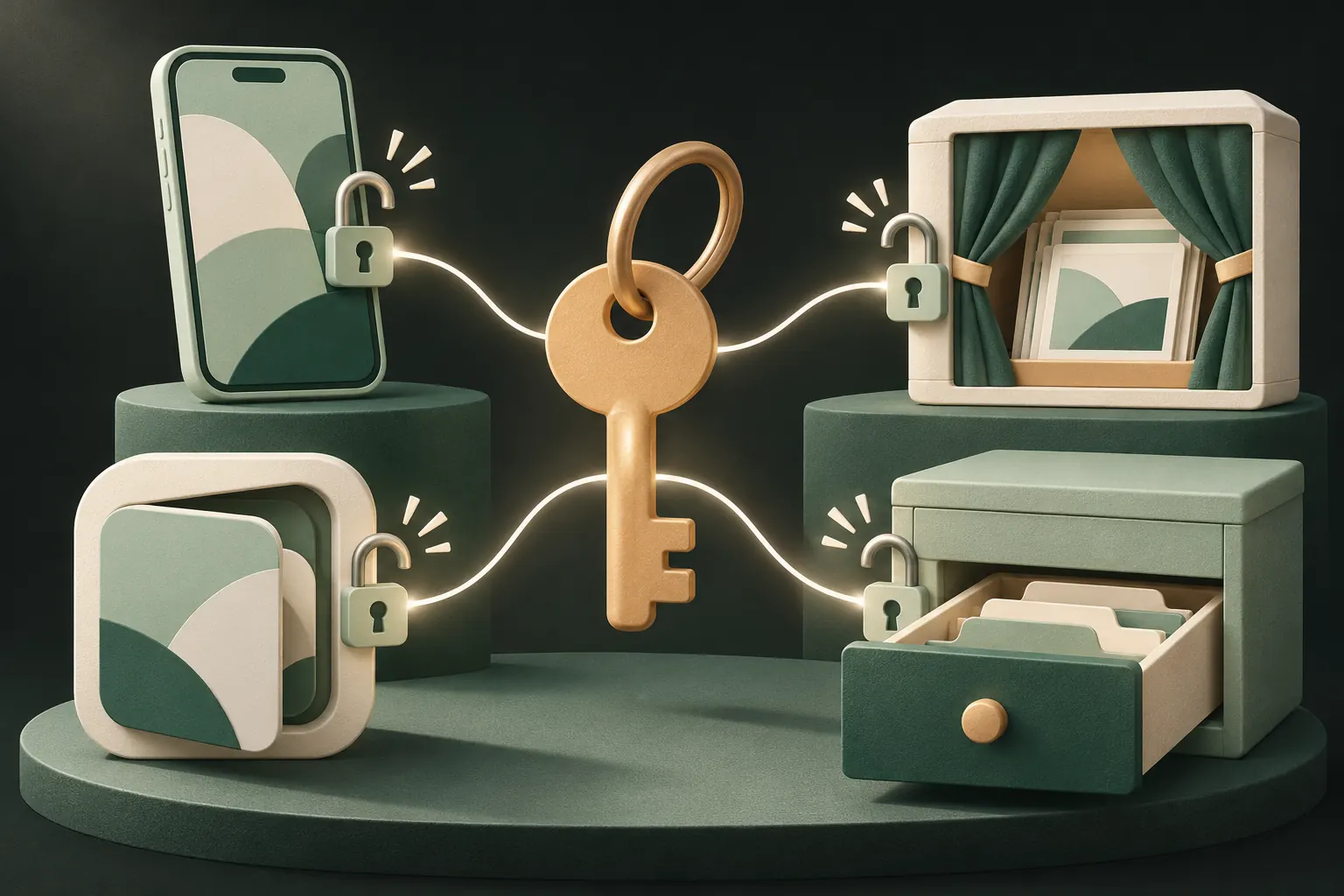
With iCloud Photos on, hiding a photo on one device hides it on all of them, as Apple’s Hidden album guide puts it. That cuts both ways: the hidden photo is also present on your iPad, your Mac and at iCloud.com.
- iPad: the Hidden album opens with the iPad’s own Face ID, Touch ID or passcode. If a family member uses your iPad and knows its code, they can open it.
- Mac: the Hidden album is off in the sidebar by default. View → Show Hidden Photo Album shows it, and it opens with Touch ID or the Mac login password.
- iCloud.com: Apple’s iCloud help describes the Hidden album there as one click away once you’re signed in to your Apple Account. If someone knows your Apple Account password and can pass two-factor authentication, or you’re signed in on a shared computer, they can browse it.
How to close it: sign out of devices you don’t use alone, check Settings → [your name] for the device list and remove what you don’t recognise, and never stay signed in to iCloud.com on a shared computer. For photos that shouldn’t be on every device, see how to keep hidden photos off iCloud.
Apple and iCloud: standard vs Advanced Data Protection
Most people use iCloud with standard data protection. Apple’s data security overview says that in this mode Photos is encrypted in transit and on Apple’s servers, but Apple holds the keys. That lets Apple help you recover your account, and it also means your photos, hidden ones included, are not end-to-end encrypted.
With Advanced Data Protection turned on, Photos joins the end-to-end encrypted categories, and only your trusted devices hold the keys. Two exceptions remain: Shared Albums and anything shared with “anyone with the link” stay under standard protection.
There is nothing special about the Hidden album here. It follows the rest of your library: if your library is end-to-end encrypted, so is the Hidden album, and if it isn’t, neither is the Hidden album. Read whether iCloud Photos is end-to-end encrypted for how to turn ADP on and what it costs you.
Apps with full photo library access
This one surprises people. “Hidden” is about what the Photos app shows you; it isn’t a permission. Apple’s photo framework has an option that lets an app with full access to your library include hidden items when it reads it. An app you gave full access, a photo editor, a cloud backup, a cleaner app, can therefore read hidden photos too.
Apps with limited access see only the photos you picked, and apps that use the system photo picker see only what you select in it, each time.
How to close it:
- Open Settings → Privacy & Security → Photos.
- Go through the list. For each app, choose Limited Access or None unless it really needs your whole library, such as a backup app you trust.
- Remove apps you no longer use.
There is more detail in which apps can see your photos.
Family Sharing and Shared Library
Family Sharing on its own does not share your photo library. Your family members can’t see your photos, hidden or not, just because you’re in the same family group.
iCloud Shared Photo Library is different. Everything in the shared library belongs to all its participants, and anyone in it can edit, delete or hide those photos. A photo in the shared part is not yours alone even if you hide it. Keep private photos in your Personal Library, and move any you added by mistake back there before hiding them.
Shared Albums are another separate feature: anyone you invited sees what you add, and, as noted above, they’re not end-to-end encrypted even with ADP.
A checklist to close each gap
- Passcode: change it if anyone else might know it.
- Show Hidden Album: turn it off in Settings → Apps → Photos.
- Devices: review the devices signed in to your Apple Account and remove unknown ones.
- iCloud.com: don’t stay signed in on shared computers.
- Apple’s keys: turn on Advanced Data Protection if it’s available to you and you can manage a recovery key or recovery contact.
- Apps: set photo access to Limited or None wherever Full Access isn’t needed.
- Shared Library: keep private photos in your Personal Library.
- Backups: if iCloud Photos is off, remember that iCloud Backup can include your photo library, so the same Apple-keys question applies there.
If all you want is to stop photos popping up in your library, Memories and widgets, steps 2 and 6 are probably enough. The comparison with the Hidden album sums up where it fits.
When you need a second secret
The checklist can’t fix the first gap. If someone knows your passcode, or could pressure you into unlocking your phone, every built-in lock opens for them. What helps there is a lock that uses a different secret and encryption that depends on it.
The honest limits of a vault are worth knowing too. An open vault is visible to whoever holds the phone. Someone who sees you draw the pattern can repeat it. And you need the pattern or the recovery phrase: if both are lost, nobody can open the files. A vault with no analytics also means nobody, including its maker, knows what you keep there.
Questions
Can Apple see my hidden photos?
With iCloud Photos on and standard data protection, Apple holds the keys to your photo library, hidden items included. With Advanced Data Protection on, Photos is end-to-end encrypted and Apple can’t read it.
Do apps with Full Access see hidden photos?
They can. Hiding is a view setting in Photos, not a permission. Apple’s photo framework lets an app with full library access ask for hidden items too.
Can my partner see hidden photos on our shared iPad?
If the iPad is signed in to your Apple Account with iCloud Photos on, your hidden photos are there too, and anyone who knows the iPad’s passcode can open the Hidden album.
Does the Hidden album use encryption?
Only the encryption that protects everything on your iPhone. There is no separate key or password for the Hidden album; Face ID, Touch ID or your passcode opens it.
Keep it private on your iPhone
No account. No analytics. Encrypted on your iPhone.