Some do and some don't, and "backs up to iCloud" can mean very different things. A vault might keep files only on your iPhone, back them up to your own iCloud, or send them to the developer's servers. What matters most is whether the files are encrypted on your phone before upload, with a key only you have, or whether the cloud can read them.
Here's how to tell which kind you have, and the questions to ask before you trust any vault with your only copies.
Three places a vault can live
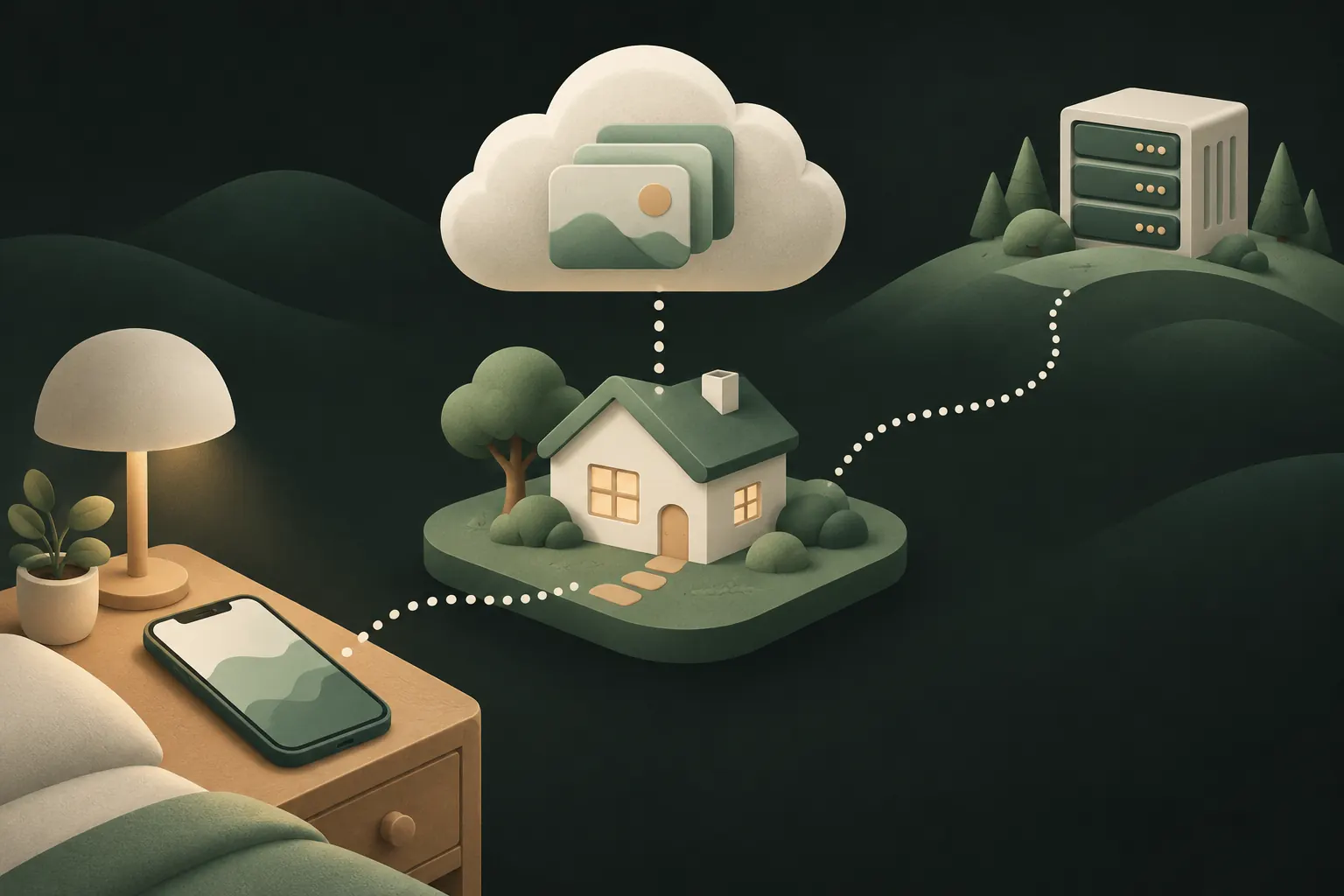
Only on your device. Nothing leaves your iPhone. Nobody can reach the files through the cloud, but if the phone is lost, broken or reset, they're gone.
Your own iCloud. The app uses Apple's CloudKit to store data in your iCloud account. No separate account is needed, and the developer has no access to the storage itself. Whether Apple can read what's inside depends on how the app encrypts it.
The developer's cloud. The app uploads to its own servers, usually tied to an account with an email address. Now a company you may know little about holds your private photos, and its security, policies and future matter too.
Some apps combine these: device-only by default with an optional cloud backup, for example.
Is the vault in your iPhone backup?
Often, no. And that surprises people.
Apple says iCloud Backup includes data for the apps you've downloaded. But apps can mark files as excluded from backup, and security-focused vault apps commonly do. Some also keep part of the key in the iPhone's Keychain in a way that never leaves that device.
The reasons are good ones: a general iPhone backup is something you might restore to a different phone, share access to, or forget about. Keeping vault files out of it means your private files don't travel along in a backup you didn't think about.
The practical result: a restored iPhone can have the vault app without the vault. If your vault matters to you, find out how the app itself backs up. We cover the full move in how to move a photo vault to a new iPhone.
Encrypted before upload vs encrypted by Apple
This is the distinction that matters most, and app descriptions often blur it.
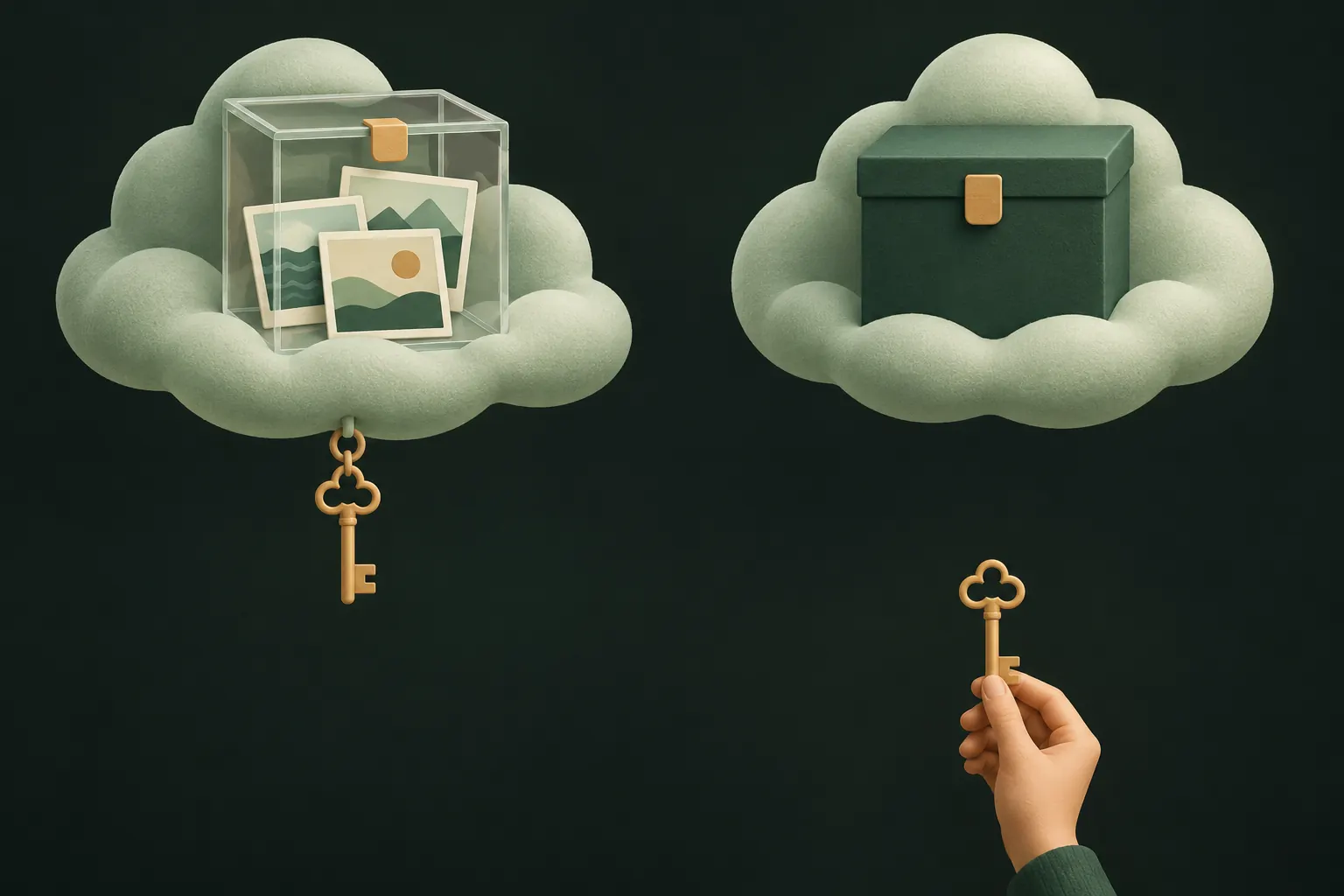
Encrypted by the cloud. Almost every cloud service encrypts data in transit and on its servers. But the service holds the keys. For example, with standard data protection, Apple lists iCloud Photos as encrypted "in transit & on server", with the keys held by Apple. Turning on Advanced Data Protection changes that to end-to-end encryption for Photos and many other categories. See whether iCloud Photos is end-to-end encrypted for the details.
Encrypted before upload. The vault app encrypts each file on your iPhone, with a key derived from your password, pattern or recovery phrase, and uploads only the encrypted result. The cloud stores data it can't read, regardless of the cloud's own settings. If the cloud is breached, or someone gets into your Apple Account, they get scrambled files.
How to tell which one an app does:
- It names an algorithm (for example AES-256) and says encryption happens on your device.
- It says restoring needs your password or recovery phrase, not just signing in to an account.
- It says the developer can't reset your password or recover your files. If they can, they can also read them.
On by default or off by default?
Both choices have a case.
- On by default protects people who never think about backups. The downside: your private photos go to the cloud without you deciding, and some people specifically want them never to leave the phone.
- Off by default respects that choice. The downside: if you forget to turn it on, a lost phone means lost files.
Whichever your app does, make a deliberate decision for each set of files: does this need to survive losing my phone, or should it never exist anywhere else?
Does it use your iCloud storage?
If the backup goes to your own iCloud, yes. App data stored in your iCloud counts toward your plan like photos and device backups do. A large vault of videos can fill a free 5 GB plan quickly.
To see how much a vault app uses, go to Settings, tap your name, then iCloud, and look at the apps using your storage.
Two things to remember:
- Deleting the app doesn't delete its iCloud data. That's what lets you restore after reinstalling. It also means you should delete the backup inside the app, or in your iCloud storage settings, when you truly no longer want it.
- Backups to the developer's cloud don't use your iCloud storage, but they come with their own limits, accounts and pricing.
How Private Vault does it, per vault
Private Vault keeps each vault only on your iPhone until you decide otherwise. Vault files are excluded from iPhone and computer backups, so the app's own backup is the only one that contains them.
Details worth knowing:
- Even names are hidden. Record names in iCloud are derived values (HMACs), so they don't reveal anything about your files.
- It runs automatically after changes and when you unlock the vault, or when you tap Back up now.
- Restoring on a new iPhone: install the app, tap Forgot your pattern? and enter the vault's recovery phrase.
- Several devices? A backup is one copy. To keep the same vault on iPhone and iPad, Device sync (Pro) builds on it.
- Turning it off stops new backups. Delete iCloud backup removes the encrypted copy from iCloud; your files on the iPhone stay.
The full design is in our security model.
Questions to ask any vault app
Before you trust a vault with photos you can't replace, find answers to these in its settings, help pages or App Store listing:
- Where does the backup go? My iCloud, your servers, or nowhere?
- Is it encrypted on my device before upload? With which algorithm?
- Who holds the key? If you can reset my password, you hold it too.
- Is backup on by default? Can I keep some things off the cloud?
- What do I need to restore it? An account, a password, a recovery phrase?
- Is it in my iPhone backup? If not, what happens when I switch phones?
- What happens to the backup if I delete the app? And how do I delete the backup when I want it gone?
An app that answers all seven clearly is usually one that has thought about your privacy. One that answers none of them is telling you something too.
Questions
Does a vault backup use my iCloud storage?
If the app backs up to your own iCloud, yes: it counts toward your iCloud storage like any other app data. Backups to the developer's own cloud use their storage instead.
Can Apple open my vault backup?
Not if the app encrypts files on your iPhone before upload with a key Apple never sees. Then Apple only stores scrambled data, whether or not Advanced Data Protection is on.
What if I turn backup off?
In Private Vault, turning it off stops new backups; the last encrypted copy stays in your iCloud until you choose Delete iCloud backup. Files on your iPhone aren't affected.
Can I back up only one vault?
In Private Vault, yes. Backup is switched on per vault, so a vault you never back up stays only on your iPhone.
Keep it private on your iPhone
No account. No analytics. Encrypted on your iPhone.