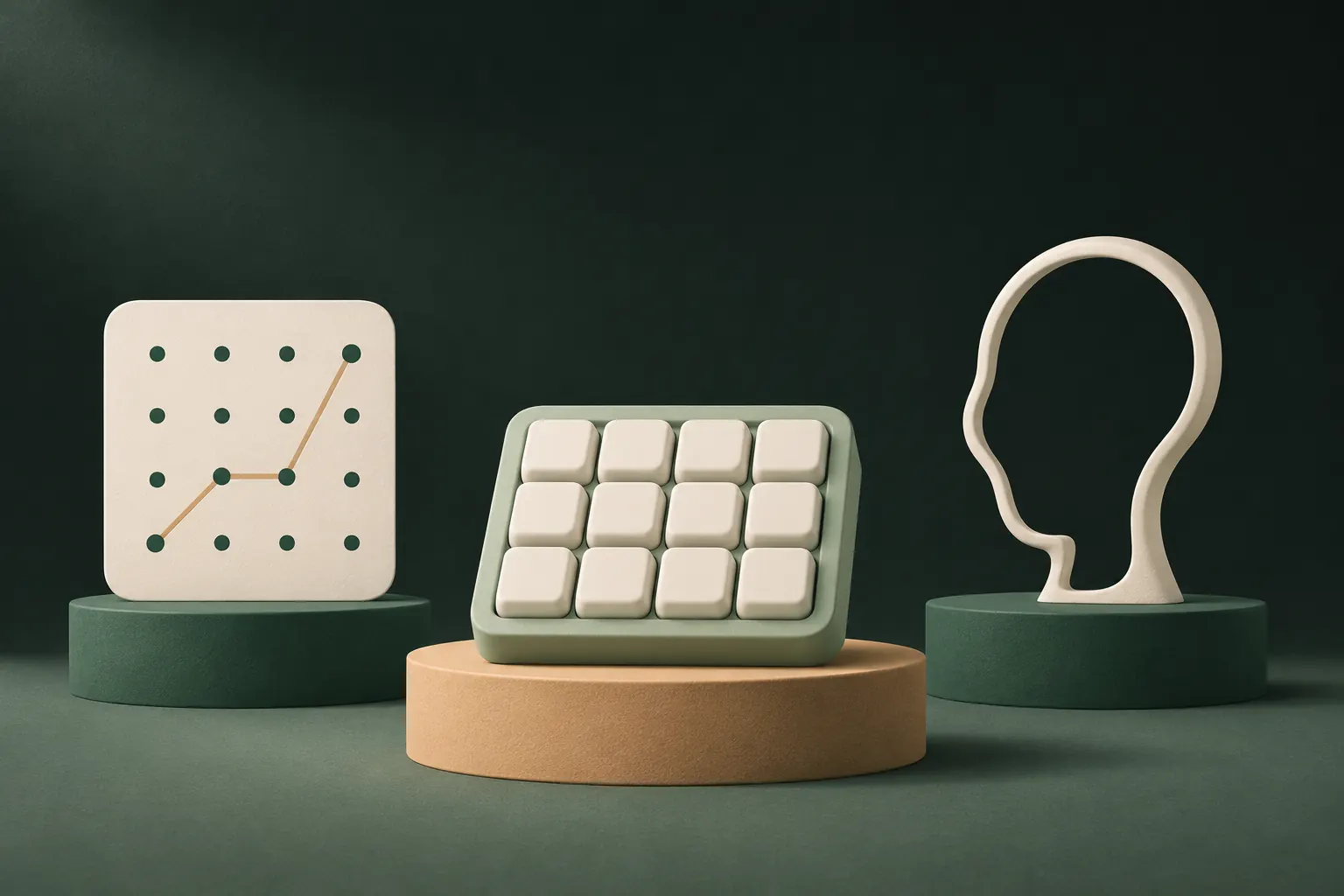
There is no single safest lock. A long random password resists guessing best, Face ID resists people watching you best, and a pattern or PIN you never have to show protects you best when someone tries to force you. Which one fits depends on who you're worried about, and on whether the lock just guards a door or actually becomes the encryption key.
Three different threats: guessing, watching, forcing
Most comparisons only ask "how many combinations are there?" That's one threat out of three.
- Guessing. Someone tries codes until one works. Here the number of possible codes, how predictable people's choices are, and how fast each guess can be tried all matter.
- Watching. Someone sees you unlock, on a train, at a table, through a reflection, or on a security camera. Then the number of combinations doesn't matter at all.
- Forcing. Someone makes you unlock: a partner, a parent, a thief, an official. A secret you have to reveal can be refused or delayed. A face can be held up to a phone.
A lock that's excellent against one can be weak against another. Keep all three in mind as you read.
How many combinations?
Raw counts first, then the catch.
- 4-digit PIN: 10,000 combinations.
- 6-digit passcode: 1,000,000 combinations.
- 3×3 pattern (the classic Android grid): 389,112 possible patterns of 4 to 9 dots. That's fewer than a 6-digit passcode.
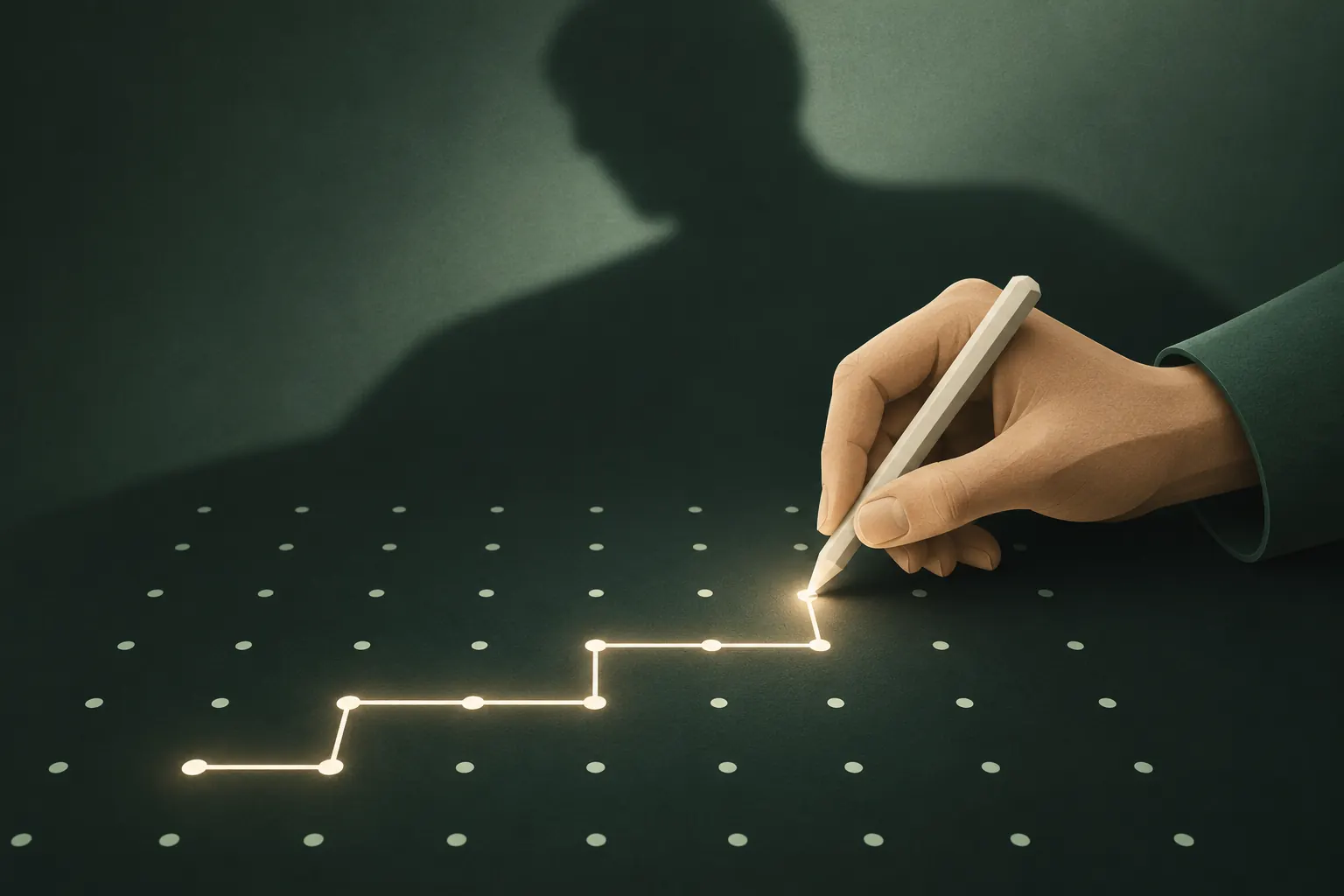
- 5×5 pattern: far more. Using the rules Private Vault uses (at least 6 dots, no dot twice, at least one change of direction) and assuming a finger can't jump over a dot without touching it, we count about 19 million patterns of exactly 6 dots, about 261 million of 7 dots and about 3.4 billion of 8 dots. Every extra dot multiplies the total again.
- A passphrase of several random words: in a different league. Each random word from a large list adds roughly 11 bits, so a handful of words outruns every grid.
Now the catch: people don't choose randomly. Studies of Android patterns keep finding the same habits: starting in the top-left corner, drawing letters like L, Z or S, and using as few dots as allowed. PINs have the same problem (birthdays, 1234, repeated digits). The real strength of any lock is the strength of the code you picked, not the size of the space.
Smudges and shoulder surfing
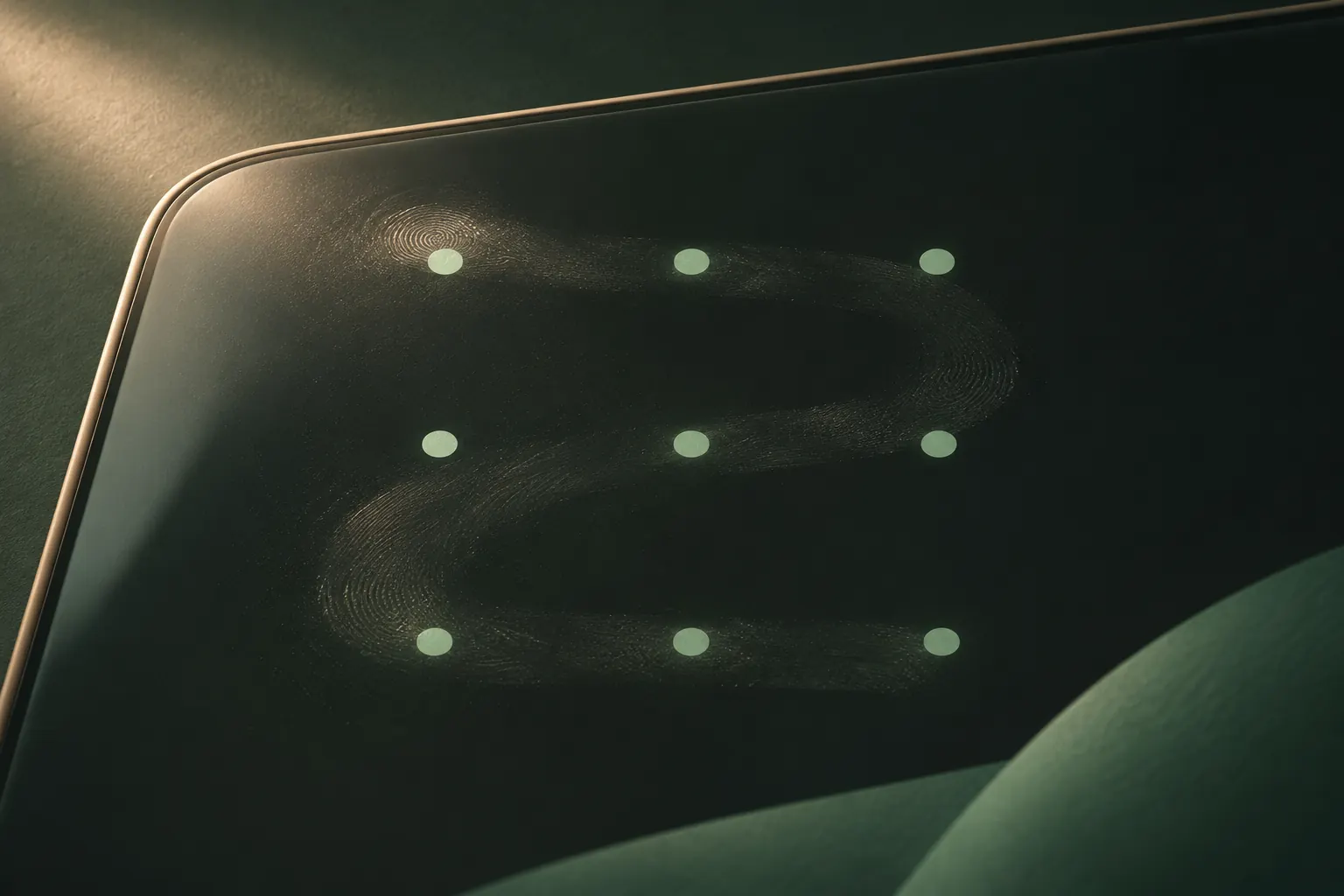
Patterns have one well-known weakness: they're visual. A finger tracing a shape is easier to remember from across a table than six digits tapped quickly, and on a greasy screen the trail can be visible afterwards.
A few habits help:
- Use more dots and cross your own line. Overlapping strokes are harder to read from smudges and harder to remember at a glance.
- Wipe the screen now and then.
- Unlock with the phone tilted towards you in public.
PINs leak too, through the same shoulder surfing, just a little less obviously. Face ID wins clearly here: there's nothing to watch.
Biometrics and being forced to look at your phone
Face ID is very good at stopping strangers. Apple says the chance that a random person could unlock your iPhone with Face ID is less than 1 in 1,000,000 with a single enrolled appearance. Nobody can learn it by watching you, either.
Its weakness is the third threat. Your face is always with you, and someone with your phone can hold it up to you. Whether authorities can legally make you do that depends on where you are. In the US, for example, some courts have treated a forced face or fingerprint differently from forcing someone to reveal a passcode they know; the rules vary by jurisdiction, and this isn't legal advice.
iOS has a useful escape hatch. Apple lists situations where your iPhone asks for the passcode instead of Face ID, including after a restart and after you press and hold the side button and either volume button until the power-off or Emergency SOS screen appears (Apple's list). If you expect a tense situation, doing that turns your face back into "only the passcode works".
When the lock is the encryption key
Here is the part most comparisons skip. There are two very different kinds of lock:
- A door check. The app stores something (a PIN, a hash of it, or a flag that Face ID succeeded) and compares. If the check passes, it opens. The files behind the door may or may not be encrypted with a key that has nothing to do with your code.
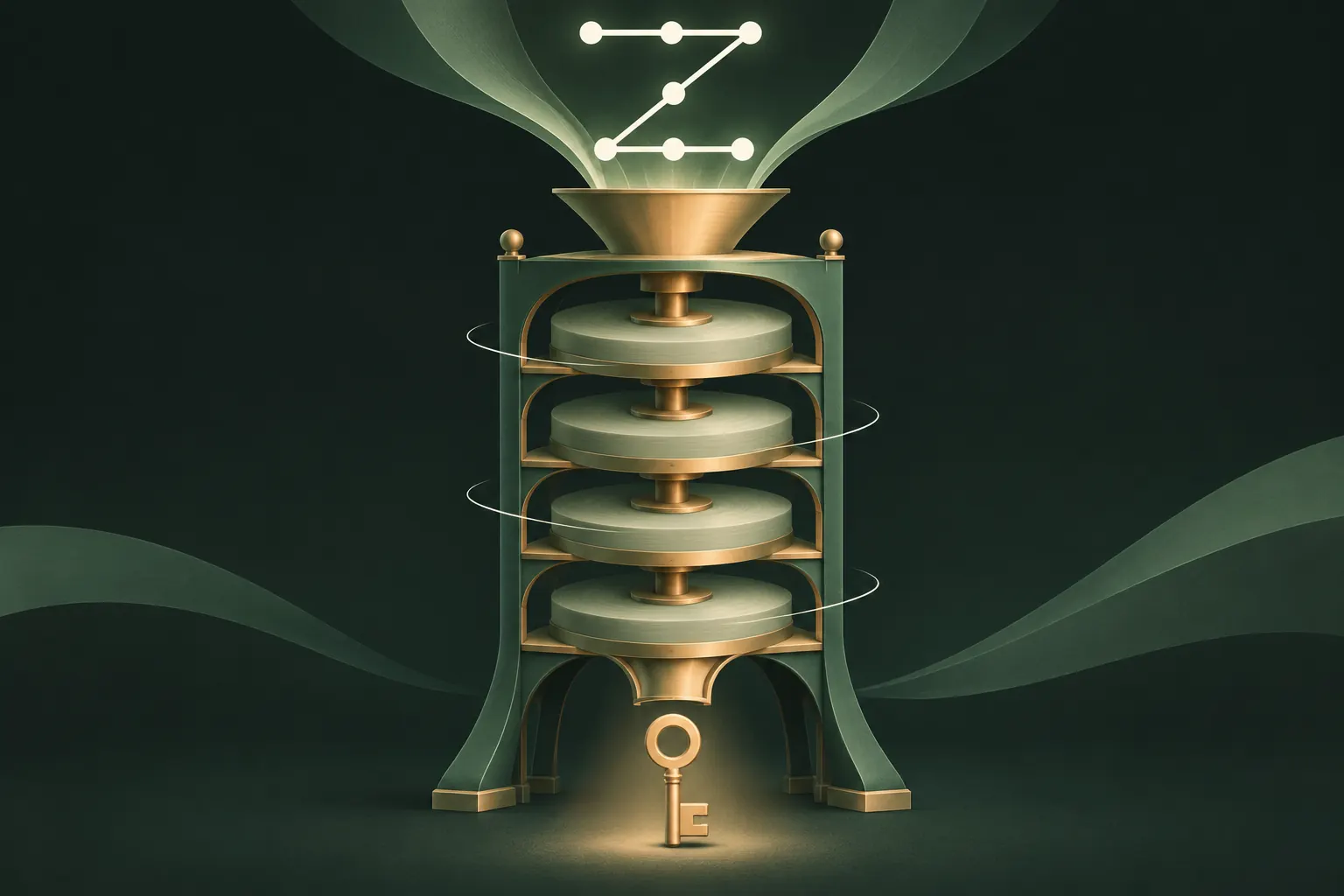
- A key. Your code is turned into the encryption key itself through a key derivation function. Nothing is stored to compare against. A wrong code doesn't fail a check, it just produces a wrong key that decrypts nothing.
The second design changes the guessing math. Key derivation functions like PBKDF2 are deliberately slow: each guess has to run hundreds of thousands of rounds of hashing. A random salt makes precomputed tables useless. And if that salt lives only on the device, someone who copies the encrypted files elsewhere can't even start guessing there.
Biometrics can't work like that. A face or fingerprint isn't a precise, repeatable string you can feed into a hash; the phone's secure hardware compares a scan and then releases a stored key. That's a fine design for unlocking a phone, but it means the key exists in storage, waiting to be released, and anyone who can satisfy the scan, or knows the fallback passcode, gets it.
Why Private Vault uses a pattern and no Face ID
Private Vault opens only with a pattern drawn on a 5×5 grid, and that's a deliberate trade-off, not a missing feature.
- The pattern is the key. It runs through PBKDF2-HMAC-SHA512 with 600,000 rounds and a 32-byte salt that stays in this iPhone's Keychain. Nothing is stored that could be compared or released. How the pattern lock works.
- No passcode fallback. Knowing your iPhone passcode doesn't open the vault, and nobody can hold the vault up to your face.
- It's quick. A pattern is faster than typing a long password on a phone, which matters for something you open often.
We're also upfront about the cost: a 5×5 pattern has less entropy than a long, random password, and the security model says so. Slow key derivation, the device-only salt and the 9-word recovery phrase are there to make up for it. If you switch to showing "Wrong pattern", repeated wrong attempts trigger growing waits, and you can turn on intruder photos to see who tried.
Recommendations by situation
- You mostly worry about strangers or thieves. Face ID plus a strong passcode on the iPhone is excellent. Use a 6-digit or longer alphanumeric passcode, not 4 digits.
- People around you might watch you unlock. Prefer Face ID for the phone, and for private files use a longer pattern with crossing lines, unlocking discreetly.
- Someone close to you knows your passcode. Face ID won't help: your passcode opens everything it protects. Put private files behind a separate secret they don't know.
- You might be pressured to unlock. Know how to force passcode-only mode (side button plus volume button). Consider a vault with a duress pattern that opens something harmless.
- You want maximum resistance to guessing. A long random passphrase wins. Use it for your password manager and anything that protects data offline.
The right answer is often a combination: Face ID for convenience on the phone itself, and a separate secret that becomes an encryption key for the few things that truly need to stay private.
Questions
Is a pattern lock less secure than a PIN?
On a 3×3 grid, usually yes: people pick a few predictable shapes. A longer pattern on a bigger grid can beat a 6-digit PIN on paper, but a long random password beats both.
Can police force me to use Face ID?
It depends on the country and sometimes the court. In the US, some courts have treated a forced face or fingerprint differently from forcing someone to reveal a passcode. This is not legal advice.
How many 5×5 patterns are there?
By our count, about 19 million drawable patterns of exactly 6 dots, about 261 million of 7 dots and about 3.4 billion of 8 dots. The total grows with every extra dot.
Why doesn't Private Vault offer Face ID?
Because the pattern is the encryption key. Face ID would need a stored key it could release, and it would let anyone who can hold the phone up to your face open the vault.
Keep it private on your iPhone
No account. No analytics. Encrypted on your iPhone.