
The most private ways to share a photo from iPhone are AirDrop to a contact when you’re together, and an end-to-end encrypted message when you’re not. If you also want the photo to expire, open only once or be revocable, use an encrypted share with those limits. Shared Albums and iCloud links are convenient, but they aren’t end-to-end encrypted.
Whichever you pick, two habits matter more than the app: remove the location before sending, and send only what you’d be OK with the other person keeping.
What “private” sharing should mean
When people say they want to share photos privately, they usually mean four different things:
- Who can see it in transit? Ideally only you and the recipient, not the service in the middle. That’s end-to-end encryption.
- Who else can open it? A link that works for anyone who gets hold of it is only as private as the last chat it was pasted into.
- Who keeps it? Once it arrives, can the recipient save it, forward it, back it up?
- Can you undo it? Can you take it back, set an expiry, or see that it was opened?
No method scores perfectly on all four. Here’s how the common ones compare.
AirDrop
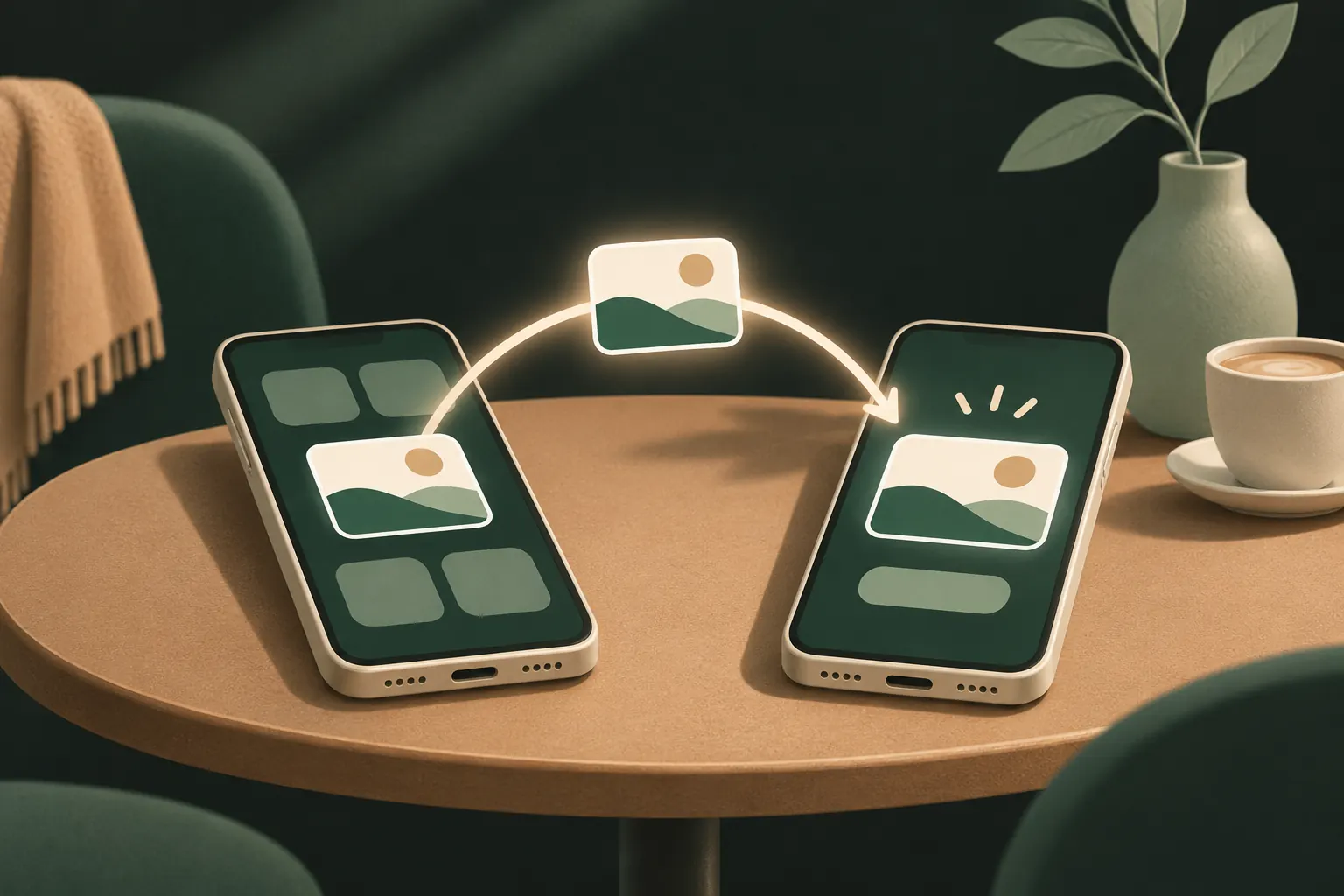
AirDrop sends photos directly between nearby Apple devices, encrypted, without going through a server you need to trust.
- Open the photo, tap the Share button and choose AirDrop.
- Pick the person’s device.
To control who can AirDrop to you, open Settings → General → AirDrop and choose Contacts Only, or Receiving Off. Everyone for 10 Minutes turns itself back to Contacts Only afterwards.
Who keeps it: the recipient saves it straight to their library, and from there it’s in their iCloud Photos and backups. Undo: none.
Best for: handing photos to someone in the same room.
iMessage and Signal
iMessage (blue bubbles) is end-to-end encrypted between Apple devices. A green-bubble SMS/MMS fallback is not. Photos sent through iMessage stay in the conversation, and the recipient can save them.
You can unsend a message for 2 minutes after sending: touch and hold it and tap Undo Send. It only works if the recipient’s device runs a recent version of iOS, iPadOS or macOS; otherwise they keep it.
Signal is end-to-end encrypted for everyone, collects very little about you, and offers disappearing messages and view-once media. It’s an excellent choice if the other person uses it. See sending photos that expire for those features.
Who keeps it: the recipient, unless you use disappearing or view-once features. Undo: limited.
Best for: everyday private sharing with people you trust.
iCloud Shared Albums and iCloud links
Shared Albums are made for groups: holidays, a baby’s first year. Everyone you invite sees the album and can comment, and you can let them add photos.
The catch: Apple’s iCloud security overview says Shared Albums aren’t end-to-end encrypted, even with Advanced Data Protection. Apple holds the keys to make sharing work. You can also turn on Public Website for an album, which gives anyone with the address access.
iCloud links (Share → Copy iCloud Link) upload the photos and give you a link. Anyone with the link can view and download them. The link expires after 30 days, and you can stop sharing sooner. Like Shared Albums, sharing with “anyone with the link” sits outside end-to-end encryption.
Who keeps it: anyone who opens the link or album can download. Undo: you can remove photos or stop sharing; copies already downloaded stay.
Best for: non-sensitive photos for many people.
Encrypted, revocable vault shares
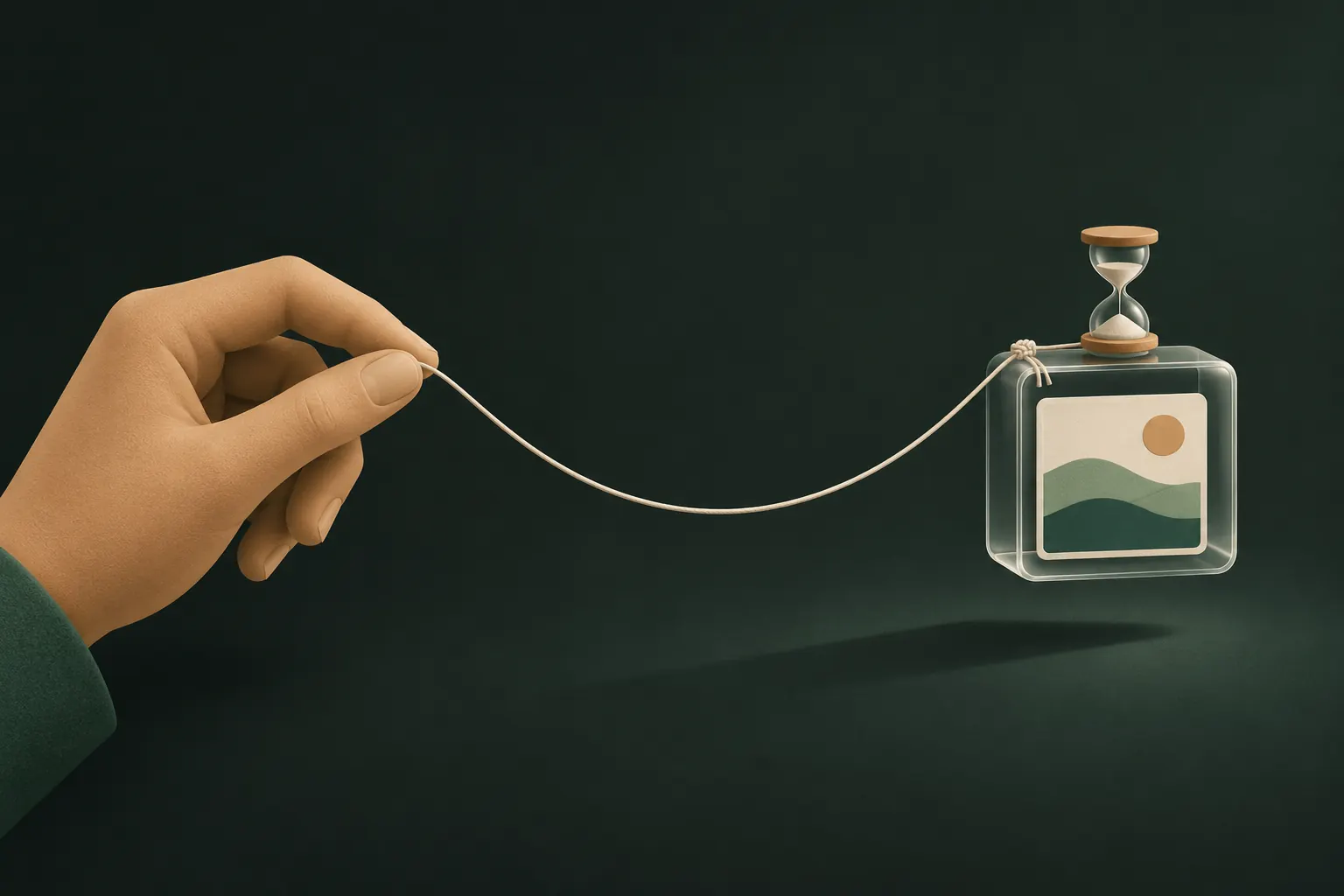
For photos that are sensitive, you may want limits on the share itself: an expiry, a number of opens, no saving, and a way to revoke. That needs both sides to use an app that enforces those rules.
Two kinds of send are worth knowing about:
- A live share of a vault: read-only, follows your rules, updates when you add or remove files, and can be revoked. Revoking deletes the shared copy from iCloud; the recipient loses access next time their device is online.
- A one-time delivery of selected files: the recipient saves their own encrypted copy into their vault, and the cloud copy is then removed. It’s a handover, so you can’t revoke it once saved.
Send the link through an end-to-end encrypted messenger, or read the 9-word phrase aloud in person. Whoever opens a one-time link first gets the copy, so treat it like a password.
Who keeps it: with saving blocked, the copy stays inside the recipient’s vault, under your rules. Undo: revoke, expiry and open limits for live shares.
Strip location before you send
Photos taken on iPhone usually carry the location where they were taken. Many apps keep it when sending files; some messaging services remove it, but you can’t count on that.
To send without location:
- Select the photo(s) and tap Share.
- At the top of the share sheet, tap Options.
- Turn off Location, then tap Done and send.
This applies to that share only. To take location off photos permanently, or stop the camera adding it, read removing location from iPhone photos.
Quick comparison
- AirDrop (contacts only): encrypted, direct, nearby only. Recipient keeps it. No undo.
- iMessage: end-to-end encrypted. Recipient keeps it. Unsend for 2 minutes.
- Signal: end-to-end encrypted, with disappearing and view-once options. Recipient keeps it unless you use those.
- Shared Albums: not end-to-end encrypted. Everyone invited can view and save. You can remove photos later.
- iCloud links: not end-to-end encrypted. Anyone with the link can view and save for 30 days.
- Encrypted vault share: end-to-end encrypted with its own key. Expiry, open limits, optional no-saving, revoke. Recipient needs the app.
For the background on what end-to-end means and why it matters, see end-to-end encryption explained.
The honest limit: you can’t unsee
Every option above stops at the recipient’s eyes. Someone can photograph their screen with another phone, retell what they saw, or simply remember. Blocked saving, screenshot detection and expiry make careless copying harder; they can’t make a person forget.
So the most private share is still a careful choice: send only what you’d be OK with this person having, to someone you trust, through a channel that doesn’t add more people along the way.
Questions
What is the most private way to send photos?
In person, AirDrop to a contact. At a distance, an end-to-end encrypted messenger, or an encrypted share you can limit and revoke. Remove location first in each case.
Can I unsend a photo?
In Messages, for 2 minutes after sending, if the recipient uses a recent iOS version. After that, or if they already saved it, you can’t.
Are iCloud links public?
Anyone who has the link can view the photos until it expires after 30 days or you stop sharing. The link itself is the only key.
Does the other person need the app?
For a Private Vault share, yes: they open it in Private Vault on an iPhone or iPad. Opening shares is free.
Keep it private on your iPhone
No account. No analytics. Encrypted on your iPhone.