There's no iPhone setting that blocks screenshots, and no app can stop someone pointing another phone at your screen. What an app can do is keep its own content out of screenshots, screen recordings and mirroring, so the capture comes out blank, and cover itself in the app switcher. A few privacy apps do this; most apps, including Photos, don't.
What iOS lets apps do, and not do
It helps to know the actual tools an iPhone app has:
- It can find out a screenshot was taken. iOS tells the app after the screenshot is saved. The app can't cancel it. This is how apps that "notify" about screenshots work.
- It can tell when the screen is being captured. Apple gives apps a way (documented here) to know when the screen is being recorded, mirrored or shared, so they can hide sensitive content while that's happening.
- It can keep content out of captures. iOS already leaves some things out of every capture, such as what you type into a password field. Some apps build on that so their whole screen comes out blank in screenshots and recordings. It's not a single official "block screenshots" switch, which is why few apps do it.
- It can't touch the system. No app can disable the screenshot buttons, stop another app from recording, or delete a screenshot from your library.
So when an app says it "blocks screenshots", ask: does the screenshot come out blank, or does the app just find out afterwards?
Screen recording and mirroring
Screen recording (from Control Center) and mirroring (AirPlay to a TV, a cable to a monitor, screen sharing in a call) are often worse than screenshots, because they can run quietly while you scroll.
Apps that protect against capture usually handle these too: the moment recording or mirroring starts, the protected content disappears or turns black. Apps that don't will show everything, including on a TV across the room.
Two habits help regardless of the app:
- Glance at the top of the screen. iOS shows an indicator while the screen is being recorded or mirrored.
- Stop screen sharing in a call before opening anything private.
The app switcher snapshot
When you swipe up to switch apps, iOS shows a snapshot of each app's last screen. That preview can show a private photo to anyone looking over your shoulder, even if the app locks itself.
Apps can replace that snapshot with a cover. Banking apps often do. Photos doesn't, so the last picture you looked at can stay visible in the switcher.
Apps that notify vs apps that block
Messaging apps take different approaches, and they change over time:
- Notify: some apps tell the other person when you screenshot a chat or a disappearing photo. Snapchat is the best-known example.
- Block: some apps make "view once" or disappearing media impossible to capture, so the screenshot comes out black.
- Neither: most ordinary messaging apps do nothing. Anything you send can be screenshotted silently.
Because behaviour differs by app, by message type and by version, check the app's own help page before relying on it. And remember that a notification after the fact doesn't un-capture anything. If you want photos that close by themselves, see how to send photos that expire.
Your own screenshots: where they end up
Screenshots you take are often more sensitive than the photos you deliberately take: banking screens, private messages, medical results, intimate images someone sent you.
Where they go:
- Into your photo library, and Photos groups them under Screenshots.
- Into iCloud Photos, if it's on, so onto every device signed in with your Apple Account.
- Into Memories and Search potentially, since Photos can read text in images.
- To any app with Full Access to your library.
What to do:
- Delete screenshots as soon as you've used them, then empty Recently Deleted.
- Hide the ones you keep (select, More, Hide), so they stay out of the main library and widgets.
- Move truly sensitive ones out of the library entirely, into an encrypted vault.
- For a full web page you need to keep, Safari's Full Page screenshot option can save a PDF to Files instead of an image in Photos.
Private Vault: blank captures, covered switcher
If someone already captured your photos
Prevention fails sometimes. If a private photo of you was screenshotted or recorded without your consent:
- Don't panic-delete everything. Keep the messages that show who sent or threatened to share what, and when. Screenshots of those are useful evidence.
- Ask the person directly to delete it, if that's safe. Many leaks stop there.
- Report it to the platform where it appears or is threatened. Major platforms have specific reporting routes for intimate images shared without consent.
- Use hashing services. StopNCII.org lets adults create a digital fingerprint of an intimate image on their own device, so participating platforms can block it without you uploading the image. For people under 18, NCMEC's Take It Down service does something similar.
- Get help if you're being threatened or blackmailed. Contact the police; in many countries this is a crime.
None of this is your fault. The person who captured and shared it made that choice.
The limit: another camera
Everything above stops the phone itself from capturing. Nothing stops someone photographing the screen with a second phone, or simply remembering what they saw. That's not a flaw in one app; it's physics.
What actually reduces this risk:
- Share less. Send the minimum, to people you trust, ideally as something that expires or can be revoked.
- Look in private. Open sensitive photos when nobody is next to you.
- Lock quickly. Use an app that locks when you leave it, so a borrowed or grabbed phone doesn't show an open vault.
- Keep private photos out of the camera roll from the start, for example by taking them without the camera roll.
Quick answers
- Can I turn off screenshots on my own iPhone? No. There's no setting for it.
- Can I tell if an app protects against capture? Take a test screenshot inside it. If the result is blank or black, it does.
- Does deleting a screenshot remove it from iCloud? With iCloud Photos on, deleting syncs to your other devices. It still sits in Recently Deleted until you empty it.
Questions
Can an app block screenshots on iPhone?
There's no official switch, but an app can keep its own content out of screenshots, recordings and mirroring so captures come out blank. It can't stop a photo of the screen.
Do apps tell people when I take a screenshot?
Some do. iOS lets an app know a screenshot was just taken, and some messaging apps notify the sender, especially for disappearing messages. Many don't.
How do I keep my screenshots private?
Screenshots land in your photo library and sync with iCloud Photos. Delete them once used, hide the ones you keep, or move sensitive ones into an encrypted vault.
Does Private Vault show up in screen recordings?
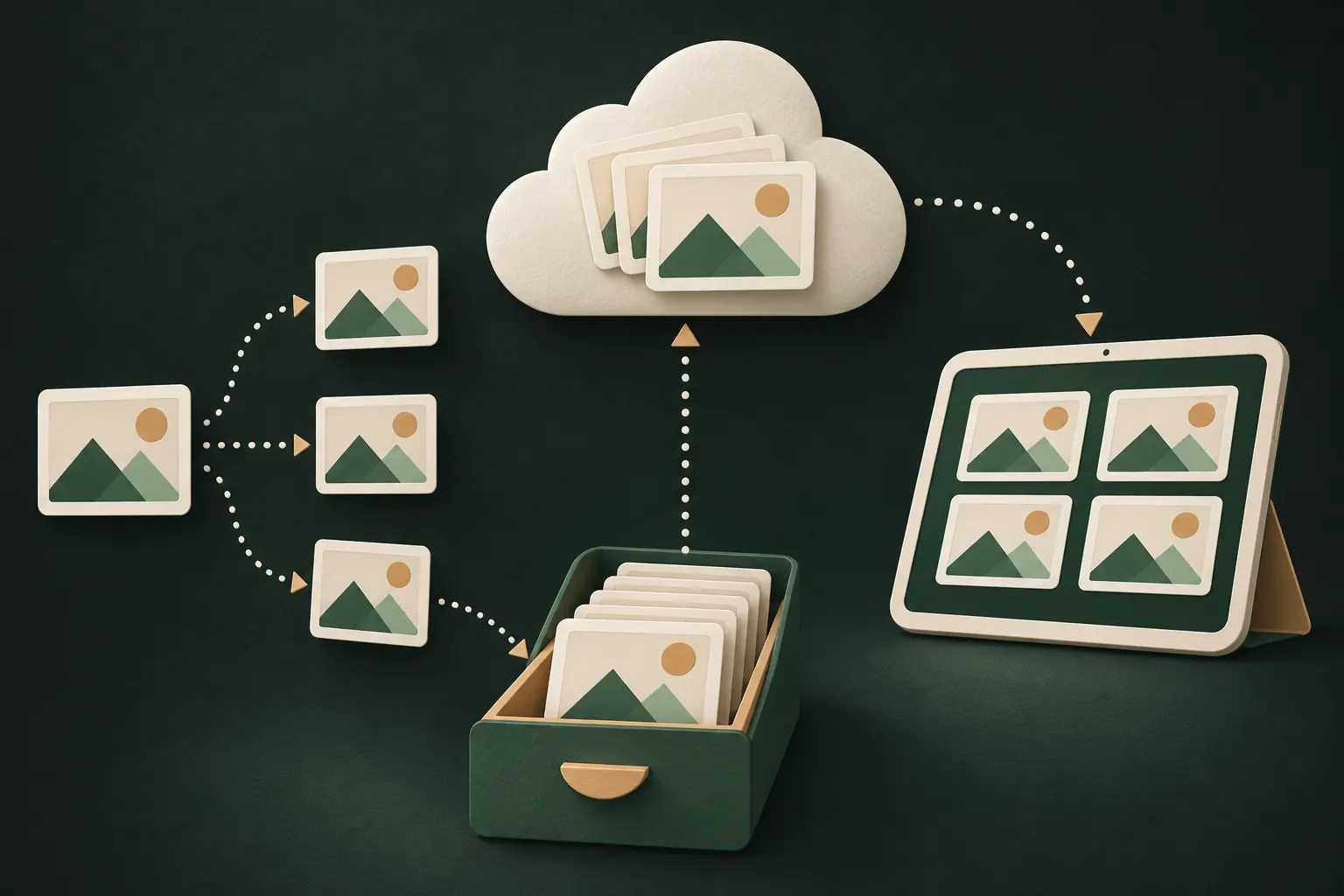
No. Screenshots, screen recordings and screen mirroring show a blank screen instead of the vault, and the app switcher shows a cover. It's always on.
Keep it private on your iPhone
No account. No analytics. Encrypted on your iPhone.