Your iPhone doesn't keep a log of who used it, but it leaves clues. Screen Time and Battery show when the phone was in use, the App Switcher and Photos show what was opened recently, and Messages and Safari show what was read or deleted. Check them soon, before your own use covers the tracks.
None of these is proof on its own. Together, they can tell you a lot. And if you're worried about next time, there are ways to make snooping harder and easier to spot.
Quick checks: App Switcher, Screen Time, Battery
Start with the clues that take the least time.
App Switcher
Swipe up from the bottom of the screen and pause (or double-click the Home button on older models). Recently used apps appear in order, most recent first.
Look for an app near the front that you don't remember opening: Photos, Messages, a dating app, your banking app. It's a weak clue, because apps stay in the switcher until you close them, but an unexpected order is worth noting.
Screen Time
If Screen Time is on, go to Settings → Screen Time → See All App & Website Activity.
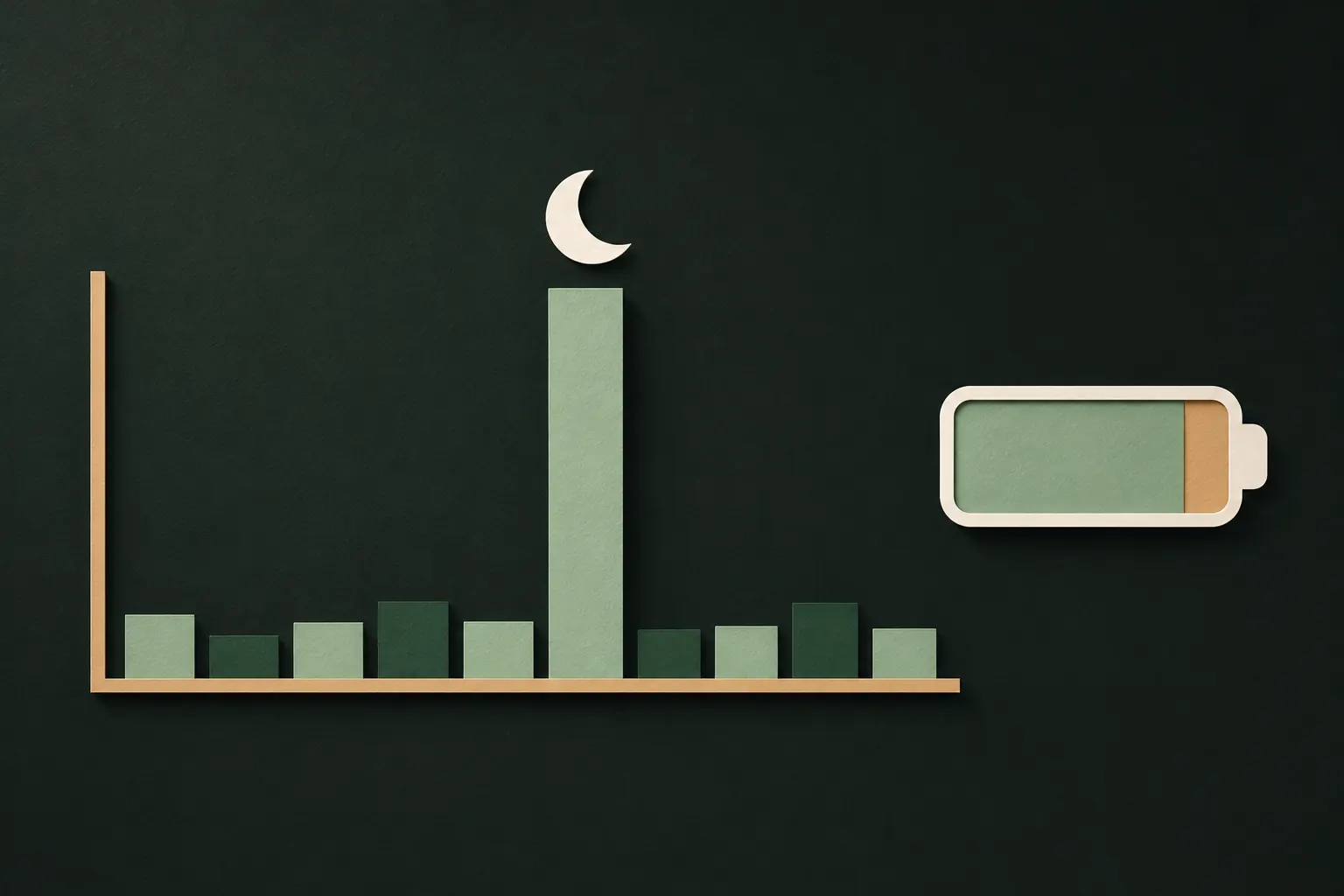
- Pick Day and look at the bar chart. It shows usage by hour. Activity at an hour when you were asleep, in the shower or away from the phone is a strong clue.
- Scroll to Pickups to see when the phone was picked up, and which app was opened first.
- Check Notifications: if notifications were opened when you didn't see them, someone else may have.
If Screen Time is off, you won't have history for the past, but turning it on now gives you a record from today.
Battery
Settings → Battery shows activity for the last 24 hours and the last 10 days. Tap a bar to see which apps were in use during that period, with time on screen and in the background. A burst of screen time while you were away is hard to explain.
Photos: recently viewed, recently deleted, edits
Photos is often what people go looking for, so it's worth checking carefully.
- Recently viewed and shared collections. In recent versions of iOS, the Photos app lists collections such as Recently Viewed, Recently Shared and Recently Edited under Utilities. Look for photos you didn't open or share. These can be turned off in Settings → Apps → Photos, so if they disappeared from Utilities and you didn't turn them off, that's a clue in itself.
- Recently Deleted. Deleted photos stay there for 30 days. Look for anything you didn't delete, and for gaps: someone could have deleted a photo they took of your screen and then emptied the album.
- New photos you didn't take. Screenshots of your messages or photos of your screen, sometimes deleted right after, are a common sign.
- AirDrop or sharing traces. Photos showing up on another device, or a sent item in a chat you don't remember, suggest something was shared from your phone.
- The Hidden album. iOS doesn't record who opened it or when. Recently viewed collections are the closest you'll get.
Messages, Safari and notifications
- Messages: Look for conversations marked as read that you haven't read, and sent messages you didn't write. Messages also keeps a Recently Deleted list, in the menu at the top of the conversation list, with conversations deleted in roughly the last 30 days.
- Other chat apps: many show "last seen" or read status to the other person. A friend mentioning you read their message when you didn't is a clue.
- Safari: Check History and the open tabs, including tab groups and private tabs, for pages you didn't visit.
- Notification Center: Swipe down from the top. If notifications you expected are missing, someone may have opened or cleared them.
- Mail and social apps: look for "new sign-in" emails or security alerts you didn't trigger.
Face ID and passcode: who else can unlock it?
Most snooping happens with the passcode, not around it. Check who can get in.
- Alternate appearance. Go to Settings → Face ID & Passcode. If you see Set Up an Alternate Appearance, none is set up. If that option is missing, a second face is already registered. If you didn't add it, tap Reset Face ID and set it up again with only your face.
- Your passcode. If anyone has watched you type it, assume they know it. Change it, and use a six-digit or alphanumeric code.
- Your devices. In Settings → [your name], scroll to the list of devices signed in to your Apple Account. Remove any you don't recognize.
- Safety Check. Settings → Privacy & Security → Safety Check shows who you share your location, photos and other content with, and lets you stop sharing in one place. Apple's Personal Safety guide explains each option.
Catching it next time: intruder photos and logs
iOS doesn't take a photo of someone who enters a wrong passcode, and it doesn't log who unlocked the phone. For the phone itself, Screen Time and Battery are the best records you have.
For the things you care about most, an app can do more. Some vault apps can quietly photograph whoever tries to open them with the wrong code.
That default exists for a reason: if every pattern opens something, nobody looking over your shoulder can tell your real vault from an empty one. That's called plausible deniability. Choose the mode that fits your situation: catching a curious person, or not revealing that there's anything to find.

Change your passcode and turn on Stolen Device Protection
Once you've checked, lock things down.
- Change your passcode in Settings → Face ID & Passcode.
- Set Auto-Lock to a short time in Settings → Display & Brightness, so an unattended phone locks quickly.
- Turn on Stolen Device Protection in Settings → Face ID & Passcode. Away from familiar places like home or work, it asks for Face ID or Touch ID, not just the passcode, for sensitive actions such as using saved passwords, and adds a delay before changes like a new Apple Account password. You can choose to have it apply everywhere. Apple explains it in About Stolen Device Protection.
- Lock the apps that matter. Touch and hold an app icon and choose Require Face ID. Anyone with your passcode can still get in, but it adds a step.
- Keep your most private things behind a separate secret that isn't your passcode.
If you're worried about someone close to you
When the person going through your phone is a partner, an ex or a family member, the technology is only part of the picture.
- Think before you change everything at once. If the person is controlling or could become angry, suddenly locking them out may raise the risk. It's okay to make changes gradually or with support.
- Safety Check has an Emergency Reset that immediately stops sharing with everyone and resets permissions. Use it when you need a clean break.
- If you might be forced to unlock, some vault apps offer a duress option that opens something harmless. Private Vault's emergency pattern (Pro) opens a vault you're comfortable showing and removes the others from the phone.
- Reach out. Domestic abuse organizations increasingly help with tech-related control, including phone monitoring and location tracking.
Questions
Can I see who opened my hidden album?
No. iOS doesn't log who opened the Hidden album or when. You can only look for indirect clues, like photos appearing in recently viewed collections or Screen Time showing Photos in use when you weren't.
Does iPhone take a photo of wrong passcode attempts?
No. iOS has no built-in intruder photo. Some third-party apps can photograph wrong attempts to open the app itself, not the iPhone.
Can I see Screen Time history by hour?
Yes. In Settings → Screen Time → See All App & Website Activity, the day view shows a bar chart by hour, along with pickups and notifications.
Is someone tracking my iPhone?
Open Settings → Privacy & Security → Safety Check to see who you share your location and content with, and stop sharing in one place.
Keep it private on your iPhone
No account. No analytics. Encrypted on your iPhone.